
image compressor
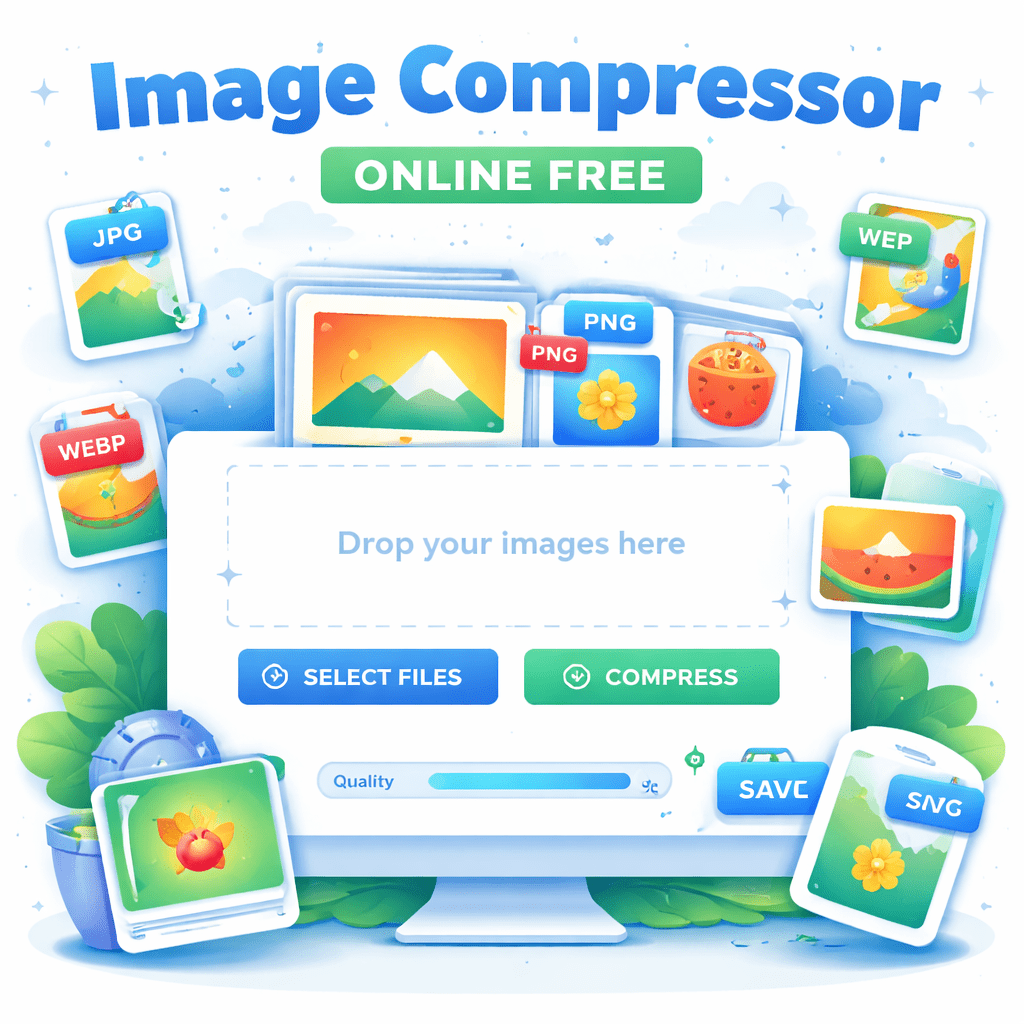
Compress and optimize your JPEG, PNG, WebP, GIF and SVG images. This free online tool uses advanced compression algorithms to reduce file sizes while maintaining quality. All processing happens in your browser – your files never leave your device.
PRECISION IMAGE COMPRESSOR
TARGETING 80% SIZE REDUCTION
Drop your image here
JPEG, PNG, WebP, GIF, SVG
An image compressor online free tool helps you reduce image file size without losing visible quality. Large images can slow down websites, increase loading time, and negatively affect user experience. Using a reliable image compressor allows you to compress and optimize images quickly, making your website faster, lighter, and more SEO-friendly.
This free online image compressor supports JPEG, PNG, WebP, GIF, and SVG image formats. It uses advanced compression algorithms to reduce file size while maintaining image clarity. Whether you are a blogger, website owner, designer, or student, compressing images before uploading them can significantly improve performance and page speed.
One of the biggest advantages of this image compressor is privacy. All processing happens directly in your browser, which means your images never leave your device. There is no upload to any server, no account required, and no risk of data misuse. You simply drop your images, click COMPRESS, and download the optimized files instantly.
This image compressor is designed to be simple and user-friendly. You do not need technical knowledge or software installation. The clean interface works smoothly on desktop, tablet, and mobile devices. You can also adjust compression quality based on your needs, giving you full control over file size and image appearance.
Image compression plays an important role in website SEO. Faster loading images improve Core Web Vitals, reduce bounce rate, and help search engines understand that your website offers a better user experience. Using an image compressor regularly can also reduce bandwidth usage and hosting costs.
This tool is ideal for compressing blog images, website banners, product photos, social media graphics, and icons. By optimizing your images with an image compressor online free, you ensure faster pages, happier visitors, and better search visibility.
If you want a fast, secure, and easy way to compress and optimize images, this image compressor is the perfect solution. Drop JPEG, PNG, WebP, GIF, or SVG images, click COMPRESS, adjust quality if needed, and save your optimized images in seconds.
What Is an Image Compressor and Why You Should Use One
An image compressor is a tool that reduces the size of image files without significantly affecting their visual quality. The goal is to make images lighter so they load faster and use less storage.
Images are one of the biggest contributors to slow websites. High-quality images look great, but they often come with large file sizes. When too many heavy images are used, websites take longer to load, especially on mobile devices.
Here is why using an image compressor online free is important:
• Faster page loading
• Better mobile performance
• Improved user experience
• Lower bandwidth usage
• Better SEO results
• Reduced hosting costs
Search engines favor fast-loading websites. Visitors also expect pages to load quickly. By compressing and optimizing images, you improve both performance and visibility.
This tool supports JPEG, PNG, WebP, GIF, and SVG images, making it suitable for almost every use case, from blog photos to logos and icons.
How This Image Compressor Online Free Works in Your Browser
One of the biggest advantages of this image compressor online free tool is that it works entirely in your browser. There is no upload to external servers and no risk of your files being stored elsewhere.
The process is simple and user-friendly:
Drop JPEG, PNG, WebP, GIF, or SVG images into the tool
The tool analyzes each image format automatically
Advanced compression algorithms optimize file size
Image quality is preserved as much as possible
You click COMPRESS to process the images
Save the compressed images or adjust quality if needed
Because everything happens locally in your browser, your images never leave your device. This makes the tool fast, private, and secure.
You do not need to sign up, create an account, or install any software. The interface is clean and works smoothly on desktop, tablet, and mobile devices.
Supported Image Formats and Smart Optimization
This image compressor supports all commonly used image formats, each optimized in a way that makes sense for its structure.
JPEG (JPG)
Ideal for photographs and realistic images. JPEG compression can significantly reduce file size while keeping images sharp and clear.
PNG
Best for images with transparency, such as logos and UI elements. PNG files are usually larger, but this tool optimizes them efficiently.
WebP
A modern image format designed for the web. WebP images offer excellent compression with high visual quality. This tool helps reduce WebP file sizes even further.
GIF
Used for simple animations. Compression focuses on optimizing frames and colors to reduce size.
SVG
Vector images used for icons and illustrations. SVG optimization removes unnecessary data without affecting appearance.
To get the best results:
• Use JPEG for photos
• Use PNG only when transparency is required
• Prefer WebP for websites when possible
• Avoid uploading images larger than needed
• Adjust compression quality instead of using defaults
Using the right format along with an image compressor delivers the best balance between quality and performance.
Why Image Compression Improves Website Speed and SEO
Image compression is one of the easiest ways to improve website performance. Large images slow down pages, increase bounce rates, and negatively affect search rankings.
Here is how an image compressor helps:
Faster loading times
Compressed images load quicker, especially on slower networks.
Better mobile experience
Mobile users benefit the most from smaller image files.
Improved SEO performance
Search engines consider page speed as a ranking factor.
Lower data usage
Visitors consume less data, which improves accessibility.
Higher engagement
Faster pages keep users on your site longer.
Google and other search engines reward websites that offer fast, smooth experiences. Optimizing images with an image compressor supports better Core Web Vitals scores and overall SEO health.
Privacy, Security, and Safe Image Compression
When using free tools online, privacy is an important concern. This image compressor online free is designed with safety in mind.
Key privacy features include:
• All processing happens in your browser
• Images are never uploaded to a server
• No files are stored or shared
• No account or login required
This makes the tool suitable for personal images, client projects, and professional use.
Best practices when compressing images:
• Keep original files as backups
• Preview compressed images before saving
• Adjust quality settings for important visuals
• Avoid compressing the same image multiple times
A browser-based image compressor gives you speed, control, and peace of mind.
FAQs About Image Compressor Online Free
Q1: What does an image compressor do?
An image compressor reduces image file size while maintaining visual quality, making images faster to load and easier to manage.
Q2: Is this image compressor really free?
Yes. This is a completely free image compressor online with no hidden costs or sign-up requirements.
Q3: Do my images leave my device?
No. All processing happens in your browser. Your files never leave your device.
Q4: Can I compress multiple images at once?
Yes. You can drop multiple JPEG, PNG, WebP, GIF, or SVG images and compress them together.
Q5: Will compression reduce image quality?
Some compression removes unnecessary data, but quality loss is usually not noticeable. You can also adjust quality before saving.
Q6: Does image compression help SEO?
Yes. Faster loading images improve website speed, user experience, and search engine rankings.
Final Summary
Optimizing your digital footprint has never been easier, faster, or more secure. By using an image compressor that operates entirely within your browser, you get the best of both worlds: incredible performance and absolute privacy. You no longer have to choose between a fast website and high-quality visuals. In an era where attention spans are short and data security is paramount, having a tool like this is essential for success.
Stop letting heavy image files slow down your progress and start delivering a faster, sleeker, and more professional experience to your audience today. Whether you are building a massive e-commerce store, a personal blog, or just sending a few photos to a friend, our tool is the most reliable and amazing way to get the job done right. Take the first step toward a more efficient digital presence right now.
Ready to experience the best in image optimization? Drop your JPEG, PNG, WebP, GIF, or SVG images above, click COMPRESS, and take control of your file sizes effortlessly!