PDF to JPG Converter
Convert PDF pages to high-quality JPG images instantly.
1. Upload PDF file
Click to upload or drag & drop PDF
Max 50 MB • Multi-page PDFs supported
2. Conversion settings
Upload a PDF file to start conversion.
PDF Preview & JPG Output
Select pages to convert and preview results.
• Supports multi-page PDFs • High-quality JPG output
• All processing in browser • No file upload to servers
PDF to JPG – Convert PDF Files into JPG Images Online
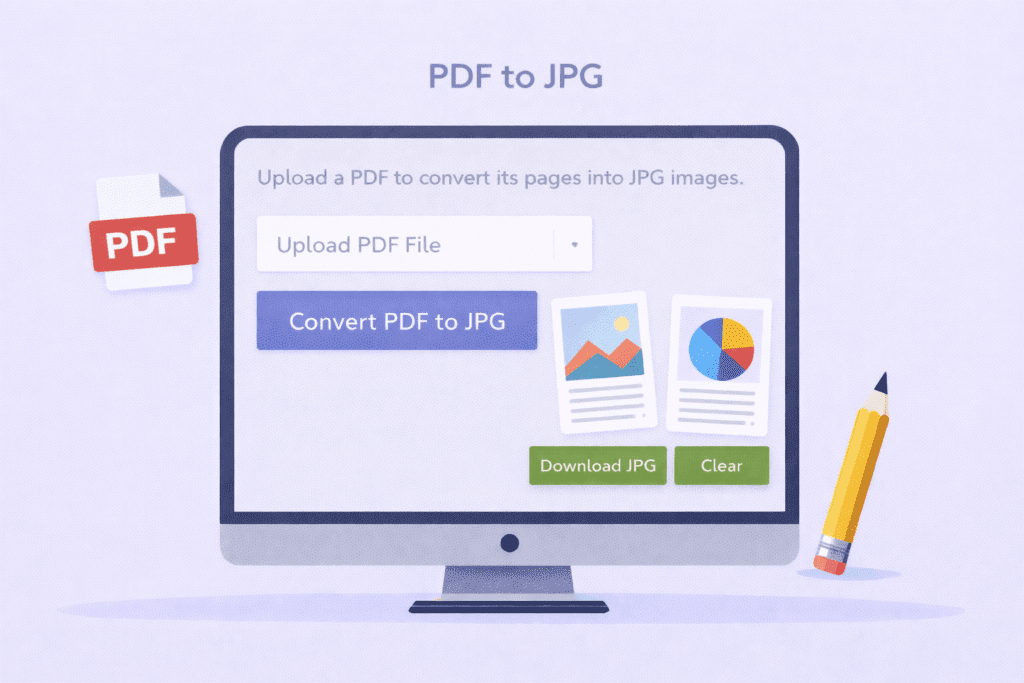
PDF to JPG is a simple online tool that helps you convert PDF files into JPG images. With this PDF to JPG converter, you can upload a PDF and turn each page into a high-quality JPG image in seconds.
PDF to JPG is useful when you want to save PDF pages as images. This tool converts each page of your PDF into a JPG image that you can easily view, share, or upload anywhere.
Using a PDF to JPG converter saves time and effort. You do not need to install any software. Just upload your PDF file, click convert, and download the JPG images instantly.
This PDF to JPG tool is very easy to use. Even a 5th-grade student can understand it. It works smoothly on mobile phones, tablets, and desktop computers.
PDF to JPG is helpful for students, teachers, designers, and office workers. If you need images from a PDF for presentations, websites, or social media, this tool makes the job simple.
How PDF to JPG Works
Why Convert PDF to JPG
Easy Tool for Everyone
Q&A
What is PDF to JPG?
PDF to JPG is a tool that converts PDF pages into JPG image files.
Is this PDF to JPG tool free to use?
Yes, this PDF to JPG converter is 100% free and works online.
Do I need to install software to convert PDF to JPG?
No, this PDF to JPG tool works directly in your browser without downloads.