PDF to Google Docs
Convert PDF files to editable Google Docs
Convert PDF to Editable Google Docs
Upload your PDF documents and convert them to fully editable Google Docs files. Perfect for editing, collaboration, and sharing.
Upload Your PDF
Drop PDF files here
or click to browse files from your device
Supports .pdf up to 50MB • OCR available
document.pdf
3.2 MB
•12 pages
•Ready to convert
Conversion Settings
Fully Editable
Converted documents are completely editable in Google Docs
Easy Collaboration
Share and collaborate with others in real-time
Secure Processing
Files are encrypted and deleted after processing
Converting to Google Docs
Preparing file
Extracting content
Building document
Preparing for download
Starting conversion process…
Conversion Complete!
Your Google Doc is ready
document.gdoc
12 pages • Editable • Ready to share
Text Preview
# Document converted successfully
## Introduction
This is a preview of your converted document. The text has been extracted from the original PDF and is now fully editable in Google Docs.
## Key Features
• All text is selectable and editable
• Formatting has been preserved
• Images are embedded in the document
• Ready for collaboration
Google Docs Preview
Your converted Google Doc will appear here
How It Works
Upload PDF
Select your PDF file from your device or drag & drop
Configure Settings
Choose conversion options and language settings
Convert & Process
Our system extracts text and creates Google Doc
Access Your Doc
Open in Google Docs, download, or share with others
PDF TO DOCS – Convert PDF Files to Editable Word Documents Online
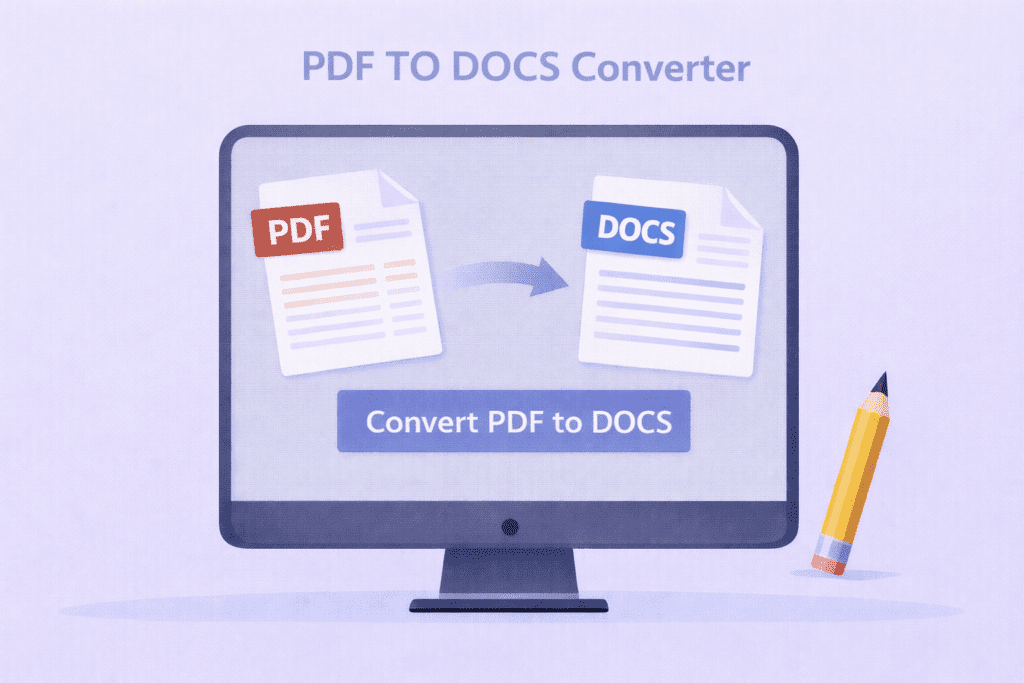
A PDF to DOCS tool helps you convert PDF files into editable Word documents easily. With this PDF to DOCS converter, you can upload a PDF file and turn it into a DOCS file in just a few clicks.
The PDF to DOCS converter is made for students, office workers, and business users. It helps you edit text that is locked inside PDF files. As a result, you can update content without retyping everything.
Many people use PDFs for sharing files, but editing them is hard. Therefore, a PDF TO DOCS tool becomes very useful. It changes your PDF into a Word document that you can easily edit, save, and share.
This PDF to DOCS converter is very simple to use. First, upload your PDF file. Then, click the convert button. Finally, download your DOCS file. Even a 5th-grade student can use this tool without help.
Whether you are working on school projects or office documents, a PDF TO DOCS tool saves time. Moreover, it works smoothly on mobile phones, tablets, and computers. That makes it perfect for everyone
How PDF TO DOCS Conversion Works
Why Converting PDF to DOCS Is Helpful
Easy Tool for Everyone
Q&A
What is a PDF TO DOCS converter?
A PDF TO DOCS converter is a tool that changes PDF files into editable Word documents.
Can I edit the file after converting PDF TO DOCS?
Yes, after using the PDF TO DOCS tool, you can fully edit the document in Word.
Is this PDF TO DOCS tool free to use?
Yes, this PDF TO DOCS converter is free and works online.