PDF Editor
Edit, annotate, and modify PDF files
File Info
File Name:
No file selected
File Size:
–
Pages:
–
Edit Tools
Quick Actions
PDF Preview
Upload a PDF to Get Started
Drag and drop your PDF file here or click the upload button above. You can edit, annotate, and modify your PDF with our tools.
Supports files up to 50MB
Sample PDF Document
Created with PDF Editor Tool
Document Information
This is a demonstration of PDF editing capabilities. In a real application, your uploaded PDF would be displayed here.
Edit Tools Available:
- Add and edit text
- Highlight content
- Draw annotations
- Add shapes and stamps
Page Management:
- Add/delete pages
- Rearrange pages
- Rotate pages
- Extract pages
“This is a simulated PDF view. When you upload an actual PDF file, it will be rendered here for editing.”
Page 1 of 5
© 2025 ToolLab24 PDF Editor Demo
Edit History
- No edits yet. Start editing your PDF!
EDIT PDF – Make Changes to PDF Files Easily Online
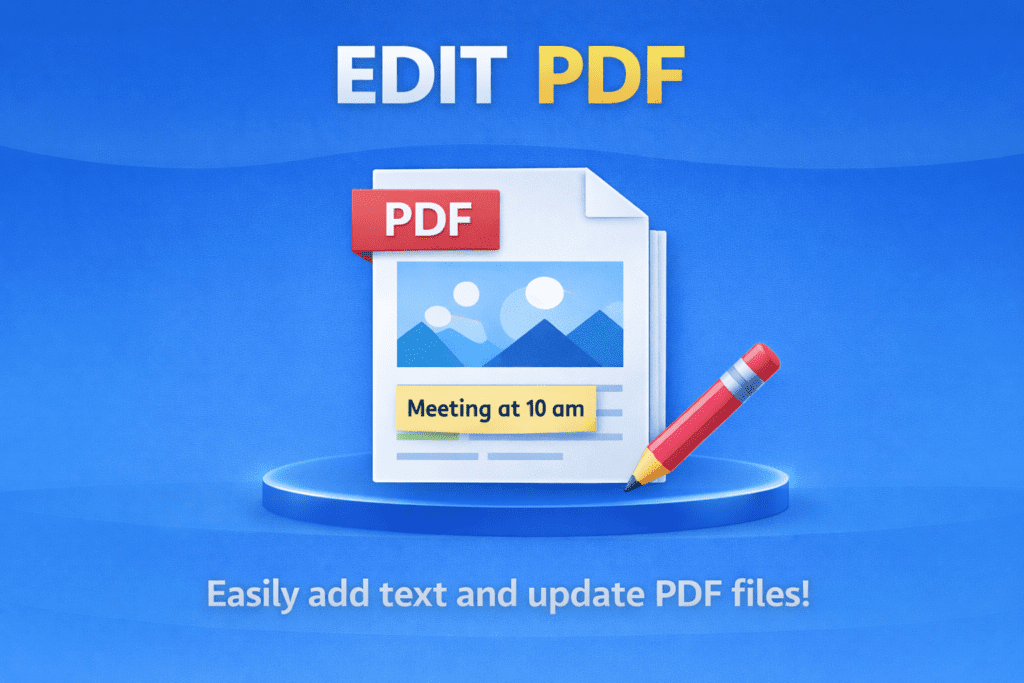
EDIT PDF helps you make changes to PDF files quickly and easily. With EDIT PDF, you can add text to your PDF and save the updated file without any technical skills.
EDIT PDF is useful for students, teachers, and office workers. It allows you to add text to existing PDF files. As a result, fixing small mistakes becomes quick and simple.
PDF files are easy to share but hard to change. Therefore, EDIT PDF is helpful when you need to update information. It lets you add notes, names, or details without creating a new file.
Using EDIT PDF is very easy. First, upload your PDF file. Then, type the text you want to add. Finally, save and download the edited PDF. Even beginners can use it without confusion.
Whether you are editing forms, documents, or notes, EDIT PDF saves time. Moreover, it works smoothly on mobile phones, tablets, and computers. That makes it perfect for daily use.
How EDIT PDF Works
Why Use EDIT PDF
Simple Way to Update PDF Files
Q&A
What is EDIT PDF?
EDIT PDF allows you to add text and make simple changes to PDF files.
Can I edit PDF files on my mobile device?
Yes, EDIT PDF works on mobile phones, tablets, and computers.
Is EDIT PDF free to use?
Yes, EDIT PDF is free and works online.