PDF to Excel
Convert PDF tables and data into Excel files instantly
Upload PDF
Drag & Drop Your PDF
or click to select a file
Maximum file size: 50MBPreview
No data to preview yet
🔒 Secure • 📱 Works on Mobile & Desktop • 🚀 Fast & Reliable
PDF TO EXCEL – Convert PDF Files into Excel Easily
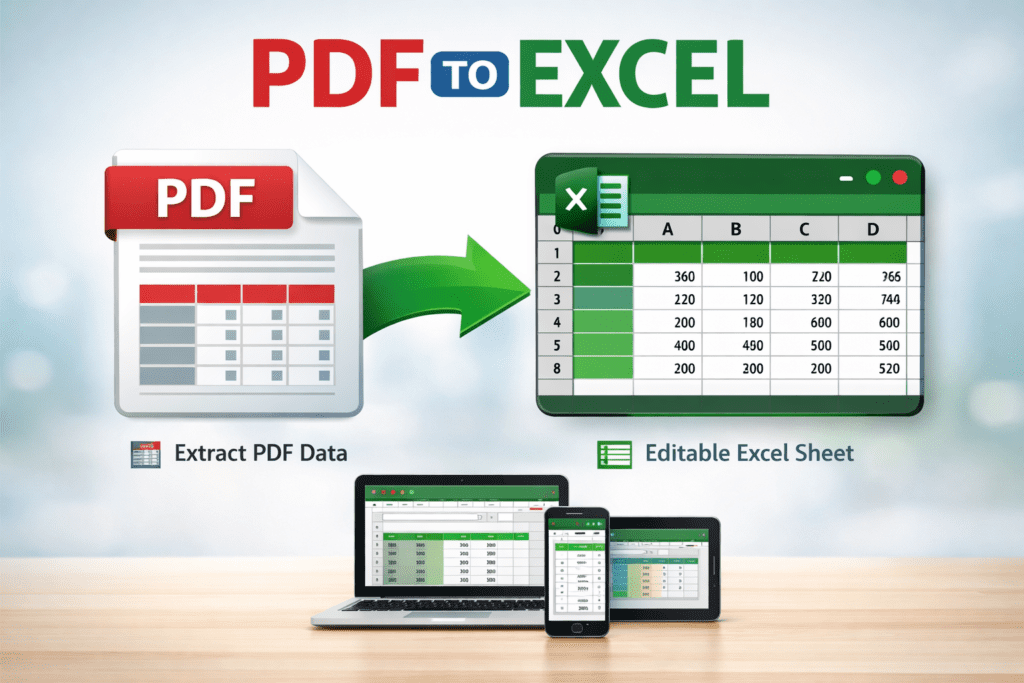
PDF TO EXCEL helps you convert PDF files into Excel format quickly. With PDF TO EXCEL, you can extract tables and data from a PDF and edit them easily in Excel.
PDF TO EXCEL is useful for students, accountants, and office workers. It helps convert PDF tables into Excel sheets. As a result, editing and calculating data becomes much easier.
Many PDF files contain tables that cannot be edited directly. Therefore, PDF TO EXCEL is helpful when you need to update numbers or organize data. It keeps the original PDF safe while creating a new Excel file.
Using PDF TO EXCEL is very simple. First, upload your PDF file. Then, wait for the conversion process. Finally, download the Excel file and start editing it. Even beginners can use it without any trouble.
Whether you are working with reports, invoices, or data sheets, PDF TO EXCEL saves time. Moreover, it works smoothly on mobile phones, tablets, and computers. This makes it perfect for daily use.
How PDF TO EXCEL Works
PDF TO EXCEL reads the data from your PDF file and converts it into rows and columns that can be edited in Excel.
Why Use PDF TO EXCEL
PDF TO EXCEL is fast, easy to use, and helps manage data better. It allows you to edit and reuse information without retyping.
Easy Way to Convert PDF Files
With PDF TO EXCEL, converting files takes only a few clicks. No software installation or technical skills are required.
Q&A
What is PDF TO EXCEL?
PDF TO EXCEL allows you to convert PDF files into editable Excel sheets.
Can I convert a PDF to Excel on my mobile device?
Yes, PDF TO EXCEL works on mobile phones, tablets, and desktop computers.
Is PDF TO EXCEL free to use?
Yes, PDF TO EXCEL is free and works online.