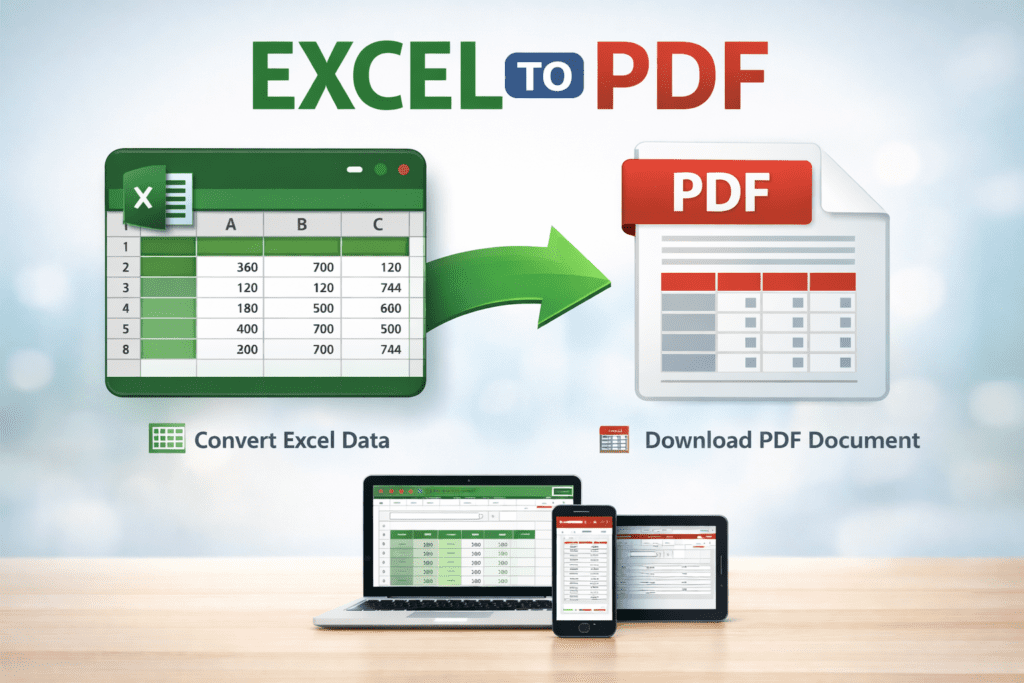
Excel to PDF
Convert Excel spreadsheets into professional PDF documents instantly
Upload Excel
Drag & Drop Your Excel File
or click to select a file
Supported: Excel (.xlsx, .xls) & CSV files • Max 50MBPreview
No data to preview yet
🔒 Secure • 📱 Works on Mobile & Desktop • 🚀 Fast & Reliable
© 2025 toollab24.com All rights reserved.
EXCEL TO PDF – Convert Excel Files into PDF Easily
EXCEL TO PDF helps you convert Excel files into PDF format quickly. With EXCEL TO PDF, you can save your spreadsheets as PDF files and share them easily.
EXCEL TO PDF is helpful for students, accountants, and office workers. It converts Excel sheets into clean PDF files. As a result, sharing data becomes simple and professional.
Excel files can change when opened on different devices. Therefore, EXCEL TO PDF is useful when you want a fixed layout. It keeps your data safe and readable for everyone.
Using EXCEL TO PDF is very easy. First, upload your Excel file. Then, wait for the conversion process. Finally, download the PDF file. Even beginners can use it without any difficulty.
Whether you work with reports, invoices, or financial records, EXCEL TO PDF saves time. Moreover, it works smoothly on mobile phones, tablets, and computers. This makes it ideal for daily use.
How EXCEL TO PDF Works
EXCEL TO PDF reads your Excel file and converts the data into a well-structured PDF format.
Why Use EXCEL TO PDF
EXCEL TO PDF is fast, simple, and reliable. It helps you share Excel data without layout changes.
Easy Way to Convert Excel Files
With EXCEL TO PDF, converting files takes only a few clicks. No installation or technical knowledge is required.
Q&A
What is EXCEL TO PDF?
EXCEL TO PDF allows you to convert Excel files into PDF format quickly.
Can I convert an Excel file to PDF on my mobile device?
Yes, EXCEL TO PDF works on mobile phones, tablets, and desktop computers.
Is EXCEL TO PDF free to use?
Yes, EXCEL TO PDF is free and works completely online.