
MARKDOWN PDF ONLINE FREE
Markdown to PDF
Creating clean, structured documents has become easier thanks to MARKDOWN PDF tools available online. Markdown is a lightweight writing format designed for simplicity, while PDF ensures universal compatibility across devices. When these two formats work together, users get the best of both worlds: simple writing and professional document output.
Today, writers, developers, students, bloggers, and businesses increasingly use Markdown to create documents quickly without complex formatting tools. Converting Markdown into PDF online allows users to share polished files that maintain layout consistency everywhere.
This guide explains how Markdown PDF conversion works, why it matters, how to use online tools for free, and how you can create professional documents without technical complications. Whether you are preparing reports, documentation, ebooks, or notes, understanding Markdown PDF workflows can significantly improve productivity.
Best Practices to Create Professional MARKDOWN PDF Documents
Creating a high-quality MARKDOWN PDF is not only about converting text into a file format. The real goal is to produce documents that are clear, structured, and easy for readers to understand. Following a few proven practices can greatly improve the final result.
Start with proper document structure. Markdown works best when content is organised using headings, subheadings, and lists. Use heading levels correctly, beginning with a main title followed by logical sections. This helps both readability and navigation in the final PDF.
Consistency is another important factor. Maintain the same formatting style throughout the document. For example, if you use bullet points for one section, continue using them where appropriate instead of switching styles frequently. Consistent formatting creates a professional appearance.
Pay attention to spacing and readability. Short paragraphs and clean formatting make the PDF easier to scan. Readers often skim documents first, so clear sections and well-spaced text improve engagement.
Images and tables should be used carefully. Markdown allows you to insert visuals easily, but avoid overcrowding pages. Ensure images are high quality and aligned properly so they appear correctly after conversion.
Choosing the right styling options also matters. Many online tools allow custom themes, fonts, and margins. Select simple fonts and balanced margins to ensure the document looks professional when printed or viewed digitally.
Before converting your Markdown file into PDF, always preview the document. This step helps identify formatting issues such as broken links, misplaced headings, or uneven spacing. A quick review prevents errors in the final version.
Lastly, keep file naming clear and descriptive. Instead of generic names like document.pdf, use meaningful titles such as Marketing_Guide_2026.pdf. This improves organization and makes files easier to locate later.
By following these practices, users can create polished Markdown PDF documents suitable for academic, professional, or personal use.
Common Mistakes to Avoid When Working with MARKDOWN PDF Files
While Markdown PDF tools simplify document creation, certain mistakes can reduce document quality. Understanding these issues helps users produce cleaner and more effective PDFs.
One common mistake is over-formatting. Markdown is designed for simplicity, yet many users try to replicate complex layouts. Excessive styling can cause formatting problems during conversion. Keeping designs simple ensures consistent output.
Another frequent issue is incorrect heading hierarchy. Skipping heading levels or using headings randomly makes documents difficult to read and navigate. Always maintain logical structure from main headings to subheadings.
Broken links are also a major problem. When adding hyperlinks, users sometimes forget to test them before exporting the PDF. Always check that links work properly after conversion.
Ignoring preview mode is another mistake. Many users convert files immediately without reviewing layout changes. Small formatting errors often appear only in preview, so checking beforehand saves time.
Large image sizes can also create unnecessarily heavy PDF files. Compress images before inserting them to maintain faster downloads and easier sharing.
Some users forget about mobile readability. A document that looks good on a desktop may appear crowded on smaller screens. Using simple layouts improves viewing across devices.
Finally, failing to maintain backups can lead to lost work. Always keep the original Markdown file saved separately so edits can be made later without recreating the entire document.
Avoiding these mistakes ensures smoother workflows and better results when creating Markdown PDF files online. With the right approach, anyone can produce professional documents quickly and efficiently.
What Is MARKDOWN PDF and How Does It Work?
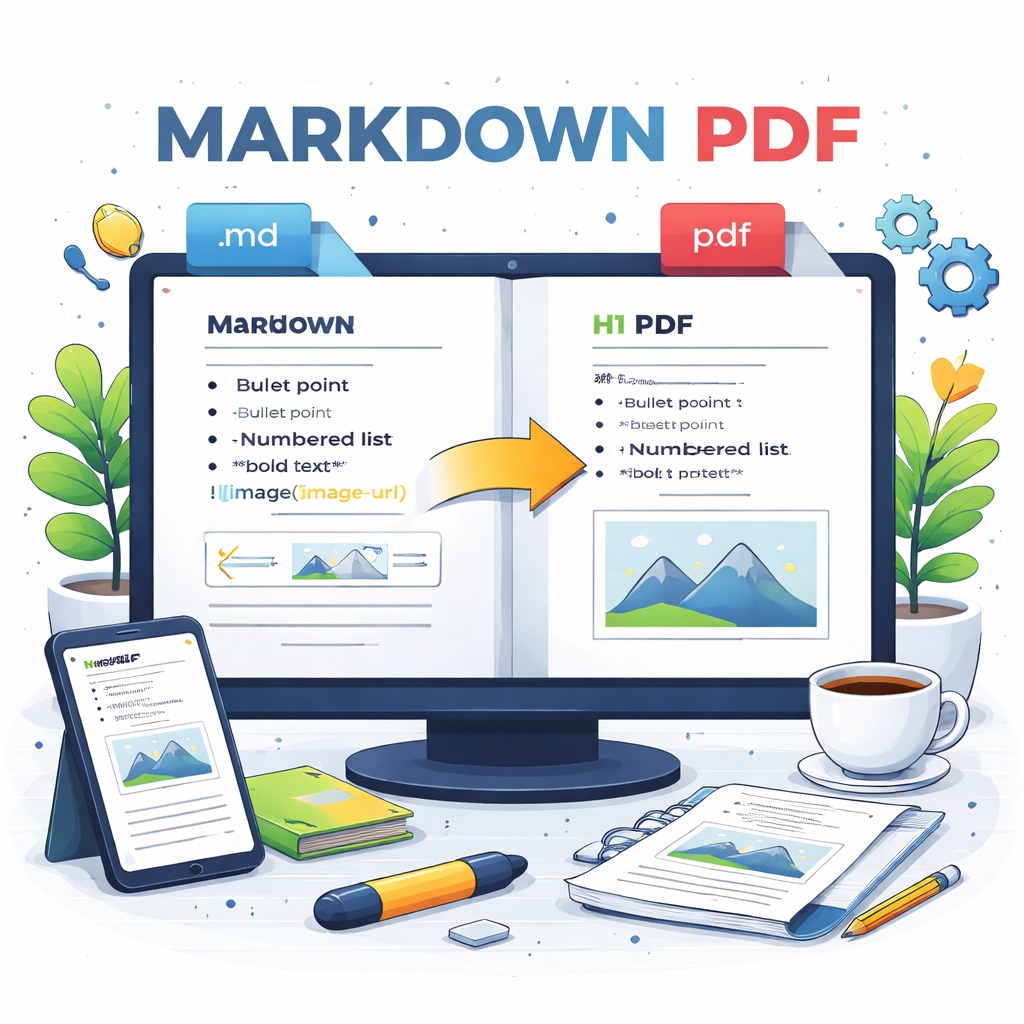
A MARKDOWN PDF refers to a document created by writing content in Markdown format and then converting it into a PDF file for distribution or printing.
Understanding Markdown
Markdown is a plain-text formatting language created to make writing easier. Instead of using menus or buttons, you use simple symbols to format text.
Examples include:
# Headingfor titles**bold text**for emphasis- listsfor bullet points[Link](URL)for hyperlinks
Markdown files are lightweight, readable, and easy to edit using any text editor.
Why Convert Markdown to PDF?
Markdown itself is perfect for writing, but PDF is better for sharing. Converting Markdown into PDF provides:
Fixed layout formatting
Professional presentation
Easy printing support
Universal compatibility
Secure document sharing
This combination makes Markdown PDF conversion ideal for technical documentation, academic papers, resumes, and digital guides.
Key Features of Online MARKDOWN PDF Tools
Online tools simplify the entire conversion process. Instead of installing software, users can upload or paste Markdown content and instantly generate a PDF.
1. Real-Time Preview
Many platforms show a live preview while you write, helping you see how your PDF will look before downloading.
2. Automatic Formatting
Headings, lists, tables, and code blocks are automatically styled for professional output.
3. Custom Styling Options
Users can adjust:
Fonts
Page size
Margins
Themes
Headers and footers
4. Code Syntax Highlighting
Developers benefit from colored code blocks that remain clear inside the final PDF.
5. Cloud Accessibility
Online tools allow access from any device without installing programs.
6. Fast Conversion Speed
Most tools convert Markdown into PDF within seconds.
7. Secure Processing
Trusted platforms delete uploaded files automatically, improving privacy.
These features make Markdown PDF converters useful for both beginners and professionals.
How to Convert MARKDOWN PDF Online Free (Step-by-Step)
Using a free online Markdown PDF converter is straightforward. Even first-time users can complete the process quickly.
Step 1: Prepare Your Markdown File
Write your content using a text editor such as Notepad, VS Code, or any Markdown editor.
Save the file with a .md extension.
Step 2: Upload or Paste Content
Open an online Markdown PDF tool and upload your file or paste the Markdown text directly.
Step 3: Customize Formatting
Adjust layout settings if available:
Page orientation
Font style
Spacing
Theme selection
Step 4: Preview the Document
Check headings, lists, images, and formatting to ensure everything appears correctly.
Step 5: Convert to PDF
Click the convert button to generate your PDF instantly.
Step 6: Download or Share
Download the finished PDF or share it via email or cloud storage.
This process removes the need for advanced publishing software.
Benefits of Using MARKDOWN PDF for Writing and Documentation
Markdown PDF workflows are growing popular because they improve efficiency while maintaining document quality.
Simplicity in Writing
Markdown removes distractions. Writers focus on content instead of formatting menus.
Faster Workflow
Typing symbols is faster than adjusting formatting manually in traditional editors.
Consistent Formatting
PDF output ensures documents look identical across all devices.
Ideal for Technical Documentation
Developers use Markdown extensively for:
Software documentation
API guides
Tutorials
Release notes
Lightweight Files
Markdown files are small in size, making them easy to store and share.
Collaboration Friendly
Teams can edit Markdown files using version control systems, then export final PDFs for distribution.
SEO and Content Creation Advantages
Content creators often draft articles in Markdown before converting them into shareable PDF resources or lead magnets.
Cost-Effective Solution
Many online Markdown PDF tools are free, reducing dependency on expensive software.
FAQs About MARKDOWN PDF Online Free
Q1: What is a MARKDOWN PDF file?
A Markdown PDF is a document written in Markdown format and converted into a PDF for easy sharing and printing.
Q2: Can I create Markdown PDF files without installing software?
Yes. Online tools allow you to upload Markdown content and convert it directly into PDF from your browser.
Q3: Is Markdown difficult to learn?
No. Markdown uses simple symbols and is considered one of the easiest formatting systems to learn
Q4: Are free Markdown PDF converters safe?
Most reputable tools use secure processing and delete files automatically. Always choose trusted platforms.
Q5: Can images and tables be included in Markdown PDF?
Yes. Markdown supports images, tables, links, and formatted text that appear correctly in the final PDF.
Q6: Who should use Markdown PDF tools?
Students, writers, developers, bloggers, researchers, and businesses benefit from Markdown PDF workflows
Conclusion: Why MARKDOWN PDF
The combination of Markdown writing and PDF output offers a powerful yet simple way to create professional documents. Markdown keeps writing clean and distraction-free, while PDF ensures compatibility and polished presentation.
Using a MARKDOWN PDF online free tool allows anyone to write faster, format automatically, and share documents confidently without technical knowledge or expensive software. From technical documentation to ebooks and reports, this workflow improves efficiency for modern digital creators.
If you want a smarter way to create structured documents, try converting Markdown into PDF online and experience how simple professional document creation can be.