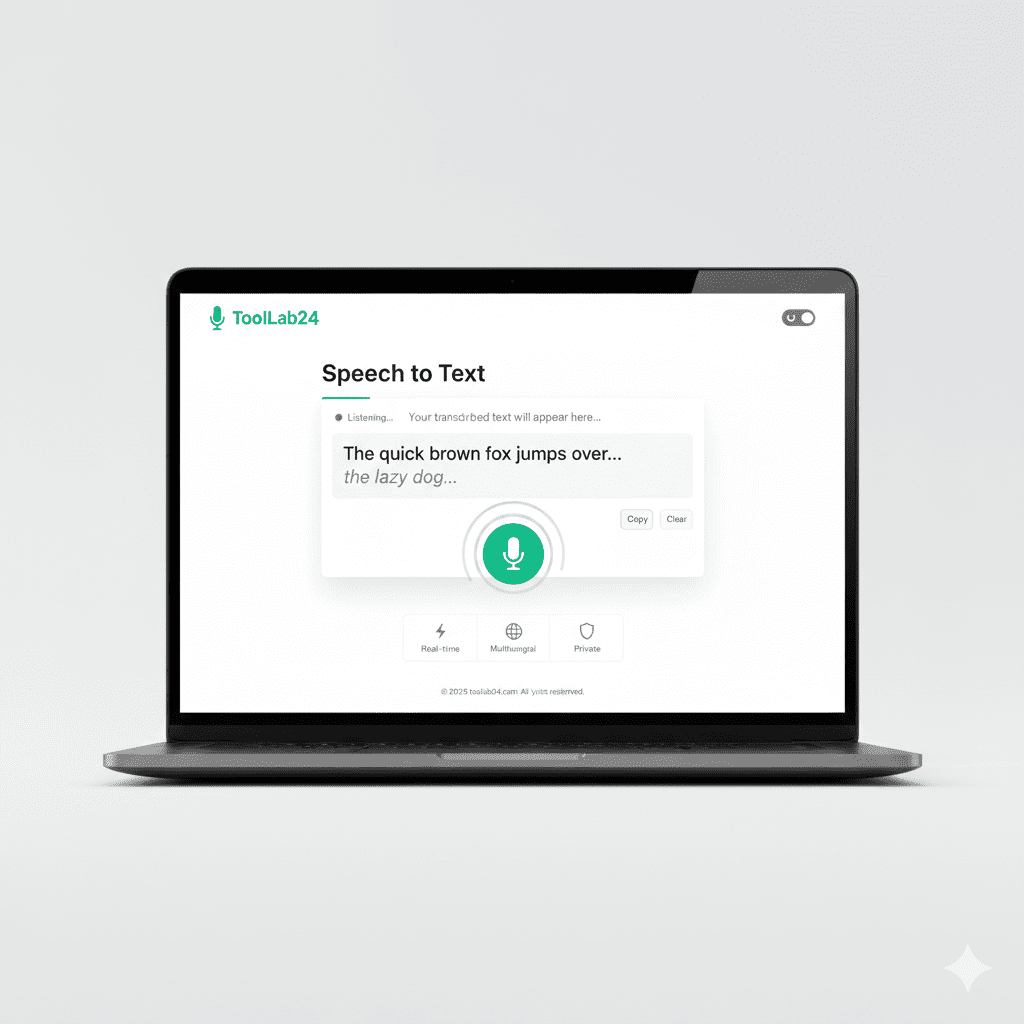
SPEECH TO TEXT
Convert Your Voice into Text
Click “Start Listening” and speak clearly.
SPEECH TO TEXT – Convert Voice into Text Online
SPEECH TO TEXT helps you convert your voice into written text easily. With SPEECH TO TEXT, you can speak and see your words appear on the screen instantly.
SPEECH TO TEXT is useful for students, writers, and office users. It allows you to create text by speaking instead of typing. As a result, work becomes faster and easier.
Many people find typing difficult or time-consuming. Therefore, SPEECH TO TEXT is helpful for taking notes, writing emails, and creating documents. It improves productivity for daily tasks.
Using SPEECH TO TEXT is very simple. First, click the start button and speak clearly. Then, your voice is converted into text in real time. Finally, you can copy or edit the text as needed.
Whether you are studying, working, or creating content, SPEECH TO TEXT saves time. Moreover, it works smoothly on mobile phones, tablets, and computers.
How SPEECH TO TEXT Works
SPEECH TO TEXT listens to your voice and changes it into readable text instantly.
Why Use SPEECH TO TEXT
SPEECH TO TEXT helps you write faster and reduces the need for manual typing.
Easy Way to Convert Speech into Text
With SPEECH TO TEXT, converting voice into text takes only a few clicks. No technical skills are required.
Q&A
What is SPEECH TO TEXT?
SPEECH TO TEXT converts spoken words into written text.
Can I use SPEECH TO TEXT on mobile?
Yes, SPEECH TO TEXT works on mobile phones, tablets, and desktop computers.
Is SPEECH TO TEXT free to use?
Yes, SPEECH TO TEXT is completely free and works online.