
TEXT TO PDF CONVERTER ONLINE FREE
In today’s digital workflow, converting plain text into a professional document has become essential. A TEXT TO PDF converter allows users to transform simple written content into a structured, shareable, and secure PDF file within seconds. Whether you are creating notes, reports, assignments, or business documents, converting text into PDF format ensures consistency across devices and platforms.
Many people still copy text into word processors just to export a PDF. That process takes time and often causes formatting issues. An online TEXT TO PDF converter removes this extra effort by allowing instant conversion directly in the browser. No downloads, no complicated software, and no technical skills required.
This guide explains how TEXT TO PDF tools work, why they are useful, and how you can use them efficiently for everyday personal or professional tasks.
Fast, Simple, and Professional Way to Convert TEXT TO PDF
A TEXT TO PDF converter is one of the most useful online tools for anyone who works with written content. From students preparing assignments to professionals sharing reports, converting plain text into a PDF format ensures that documents look clean, organized, and consistent across all devices. Instead of relying on heavy software or complicated formatting tools, an online TEXT TO PDF solution allows instant conversion directly from your browser.
PDF files have become the global standard for document sharing because they maintain layout stability. When you send a PDF, the recipient sees exactly the same formatting regardless of whether they open it on a mobile phone, tablet, or desktop computer. This reliability makes TEXT TO PDF conversion an essential part of modern digital workflows.
Why TEXT TO PDF Conversion Is Important
Plain text files are simple but lack structure and presentation. When text is converted into a PDF, it becomes more professional and easier to distribute. Businesses, educators, freelancers, and writers all prefer PDFs because they prevent accidental editing and preserve document integrity.
Some key advantages include:
- Consistent formatting across devices
- Easy printing without layout changes
- Secure document sharing
- Professional presentation
- Long-term file compatibility
These benefits explain why many organizations require documents to be submitted in PDF format instead of editable text files.
How an Online TEXT TO PDF Converter Works
The process is designed to be simple and user-friendly. Most converters operate entirely within your browser using modern web technologies. This means there is no need to install software or upload files to external servers.
Here’s how it typically works:
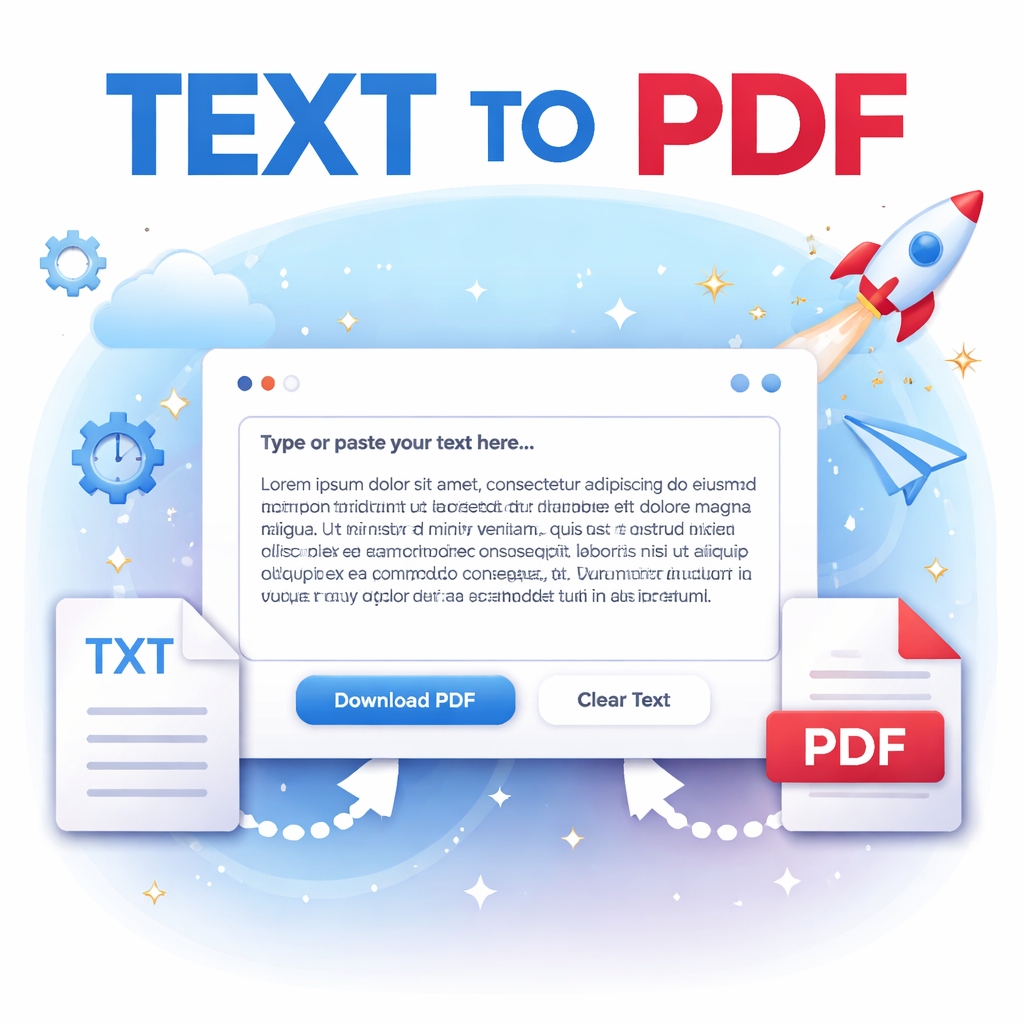
- Enter or paste your text into the editor.
- Click the convert or download button.
- The system processes your content instantly.
- Your PDF file is generated and ready to download.
Because everything happens quickly, users save time while maintaining full control over their documents.
What Is a TEXT TO PDF Converter and How Does It Work?
A TEXT TO PDF converter is an online tool or web application that converts plain text content into a Portable Document Format (PDF) file. PDF files are widely accepted because they preserve formatting and look identical on all devices.
How the Conversion Process Works
The process is straightforward:
- You paste or type text into the converter.
- The tool processes the content using browser-based scripts.
- Formatting is applied automatically.
- A downloadable PDF file is generated instantly.
Most modern converters operate entirely inside your browser using JavaScript libraries. This means your data stays on your device instead of being uploaded to external servers, improving privacy and speed.
Why PDF Format Matters
PDF files are preferred because they:
- Maintain layout consistency
- Prevent accidental editing
- Work across Windows, macOS, Android, and iOS
- Are easy to print and share
- Support long-term document storage
This is why businesses, students, freelancers, and educators rely on TEXT TO PDF conversion daily.
Who Can Benefit from TEXT TO PDF Tools?
A TEXT TO PDF converter is useful for many types of users:
Students: Convert assignments, notes, and research content into submission-ready documents.
Professionals: Share reports, meeting summaries, or instructions in a secure format.
Writers and Bloggers: Save drafts or articles as PDFs for collaboration or backup.
Freelancers: Send proposals and project details in a professional layout.
Everyday Users: Store personal notes or checklists in a clean and readable format.
The flexibility of TEXT TO PDF tools makes them suitable for both personal and professional use.
Features of a Good TEXT TO PDF Converter
Not all converters provide the same experience. A high-quality tool should include:
- A clean and distraction-free interface
- Mobile and tablet compatibility
- Fast conversion speed
- Dark and light theme options
- No watermarks on downloaded PDFs
- Privacy-focused processing
Modern web apps often include theme switching to improve usability, allowing users to work comfortably during both day and night.
Tips for Better PDF Results
To get the best output when converting TEXT TO PDF, follow a few simple practices:
- Organize text into clear paragraphs
- Avoid unnecessary spacing
- Proofread before conversion
- Use headings for better readability
- Keep sentences short and clear
These small adjustments help create professional-looking PDFs without additional editing.
Key Benefits of Using an Online TEXT TO PDF Tool
Using an online TEXT TO PDF solution provides several advantages compared to traditional document software.
1. Instant Conversion
You can convert text into a PDF within seconds. There is no need to install heavy applications.
2. Device Compatibility
Online converters work on:
- Mobile phones
- Tablets
- Laptops
- Desktop computers
All you need is a browser.
3. Clean Professional Output
Even plain text becomes a polished document suitable for sharing or printing.
4. Improved Document Security
PDF files reduce the risk of unwanted editing. Many professionals prefer sending PDFs instead of editable files.
5. Time-Saving Workflow
Instead of opening multiple programs, everything happens in one place.
6. Accessibility for Everyone
Students, writers, marketers, developers, and office workers can use TEXT TO PDF tools without learning complex software.
Common Use Cases for TEXT TO PDF Conversion
A TEXT TO PDF converter is useful in many real-world situations. Here are the most common examples.
Academic Use
Students often convert assignments, notes, and essays into PDF format before submission. Many schools require PDFs because formatting remains unchanged.
Business Documentation
Professionals convert:
- Meeting notes
- Project summaries
- Client instructions
- Reports
into PDFs for easy distribution.
Content Writing and Blogging
Writers frequently save drafts or articles as PDFs for backup or sharing with editors.
Legal and Administrative Records
Simple text agreements or records can be quickly converted into official-looking documents.
Freelancing and Remote Work
Freelancers send proposals, documentation, or instructions as PDFs to maintain professionalism.
Personal Organization
People also convert journals, checklists, and reminders into PDFs for long-term storage.
Features to Look for in a Professional TEXT TO PDF Converter
Not all tools offer the same experience. A good TEXT TO PDF converter should include essential features that improve usability and output quality.
Clean and Minimal Interface
A distraction-free design helps users focus only on conversion without unnecessary elements.
Dark and Light Theme Support
Modern web apps provide theme switching to reduce eye strain during long usage sessions.
Mobile-Friendly Design
Since many users work from phones, responsive design is important.
Fast Processing
Conversion should happen instantly without waiting or uploading files.
Privacy Protection
Browser-based tools that process data locally are safer because your text remains private.
No Watermarks
A professional converter should generate clean PDFs without branding or limitations.
Offline Capability After Load
Some advanced tools continue working even with limited internet connectivity once loaded.
Easy Deployment
For website owners, a single-file web app allows seamless integration into platforms like WordPress.
Best Practices for Creating High-Quality PDFs from Text
Even though conversion is automatic, following a few practices can improve the final result.
Structure Your Content
Use clear paragraphs instead of large blocks of text. This improves readability in the PDF.
Avoid Excessive Line Breaks
Too many empty lines may create uneven spacing during conversion.
Use Simple Formatting
Plain text converts best when structured logically.
Proofread Before Conversion
Always check spelling and grammar before generating the final document.
Keep Line Length Balanced
Short and readable sentences look more professional in PDF layout.
Choose Clear Titles
Adding headings in your text improves document clarity after conversion.
By applying these small steps, your TEXT TO PDF output will look more polished and professional.
FAQs — TEXT TO PDF CONVERTER ONLINE FREE
Q1: What is a TEXT TO PDF converter?
A TEXT TO PDF converter is an online tool that transforms plain text into a downloadable PDF document while preserving readability and formatting.
Q2: Is TEXT TO PDF conversion free?
Yes, many online converters provide free conversion without requiring registration or installation.
Q3: Is my data safe when using a TEXT TO PDF tool?
Most modern browser-based tools process text locally, meaning your data does not leave your device.
Q4: Can I use TEXT TO PDF on mobile devices?
Yes. Modern converters are fully responsive and work smoothly on smartphones and tablets.
Q5: Do I need software to convert TEXT TO PDF?
No. Online converters work directly in your web browser without installing any software.
Q6: Why should I convert text into PDF format?
PDF files maintain consistent formatting, are easy to share, and appear the same on every device.
Q7: Can I edit the PDF after conversion?
PDF editing depends on the software used later. The converter mainly creates a stable document format.
Q8: Does conversion reduce text quality?
No. Since text is not compressed like images, the quality remains intact.
Conclusion
A reliable TEXT TO PDF converter simplifies document creation by turning plain text into professional, shareable PDFs within seconds. It removes the need for complicated software while improving workflow efficiency for students, professionals, and everyday users.
Online tools make the process faster, safer, and accessible from any device. With clean design, responsive performance, and instant conversion, TEXT TO PDF solutions have become an essential part of modern digital productivity.
If you regularly work with written content, using a TEXT TO PDF converter is one of the easiest ways to organize, protect, and share your documents professionally. Try an online converter today and experience how quickly simple text can become a polished PDF ready for distribution.
Final Thoughts
Using an online TEXT TO PDF converter is one of the easiest ways to transform simple written content into a polished document. It saves time, improves presentation, and ensures compatibility across devices. Whether you are preparing academic work, business documents, or personal notes, converting text into PDF format helps maintain clarity and professionalism.
With modern browser-based tools, anyone can create high-quality PDFs instantly. A reliable TEXT TO PDF converter turns everyday text into a secure, shareable document ready for printing, storing, or sending anywhere.