
Compress PDF Online Free
COMPRESS PDF
Click to upload or drag and drop
PDF file only
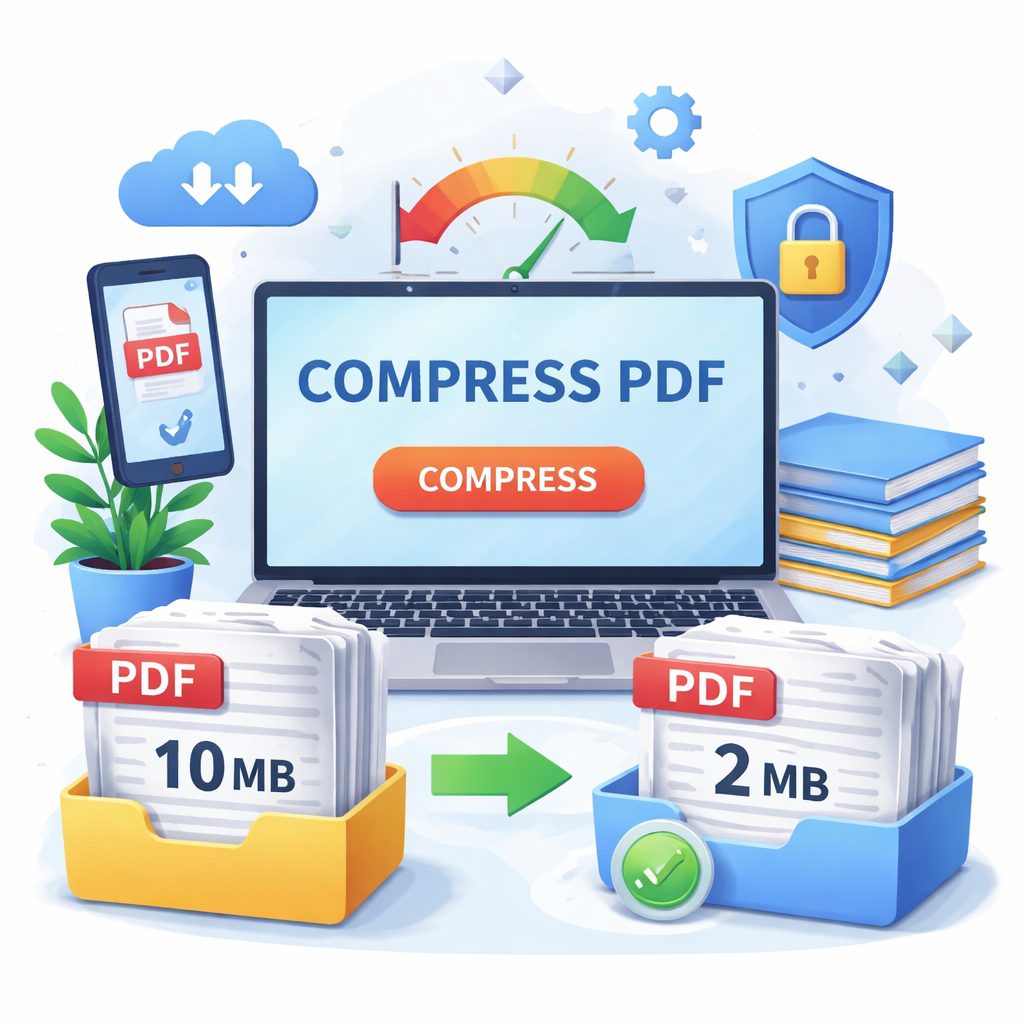
Have you ever tried to send an important email, only to be greeted by a frustrating pop-up message telling you that your attachment is too large? We have all been there. Whether you are trying to submit a college assignment, send a scanned contract to a client, or upload your resume to a job portal, large file sizes can quickly become a roadblock. This is exactly why learning how to compress PDF files is such a valuable skill. By using a tool to compress PDF online free, you can easily reduce the size of your bulky documents in a matter of seconds, allowing you to share them without any hassle.
In this comprehensive guide, we are going to walk through everything you need to know about shrinking your documents. We will explore why these files get so big in the first place, how the reduction process works behind the scenes, and what steps you can take to ensure your data remains completely secure. You do not need to be a computer expert to figure this out. Our goal is to provide you with simple, accurate, and expert-backed information so you can manage your digital paperwork with confidence.
By the end of this article, you will know exactly how to handle heavy documents, what features to look for in a reliable online tool, and how to maintain the perfect balance between a small file size and great visual quality. Let’s get started on making your digital life a whole lot easier!
Why You Need to Compress PDF Documents for Everyday Use
Understanding why we need to compress PDF files starts with looking at how we use digital documents every day. Portable Document Format (PDF) files are amazing because they look exactly the same on every device. Whether you open a file on a smartphone, a tablet, or a desktop computer, the fonts, images, and layout stay perfectly in place. However, this high level of quality comes at a cost: the file size. When a document contains high-resolution images, colorful graphics, or embedded fonts, it becomes very heavy.
Here are the main reasons why reducing your file size is a smart and necessary habit for everyday digital tasks:
Email Attachment Limits: Most standard email providers, such as Gmail, Outlook, and Yahoo, have a strict attachment limit of 20MB to 25MB. If you try to send a scanned 50-page business report, it will likely bounce back. Shrinking the file ensures it flies through cyberspace without getting stuck in your outbox.
Faster Uploads and Downloads: We do not always have access to ultra-fast Wi-Fi. If you are working from a coffee shop or using mobile data, uploading a 100MB file can take a frustratingly long time. A compressed file uploads in a fraction of the time, saving you minutes of staring at a loading bar.
Government and Job Portal Restrictions: Many online forms, university application portals, and government websites have very strict upload limits, sometimes as low as 2MB or 5MB. If your passport scan or resume is too big, the system simply will not accept it.
Saving Storage Space: If you store a lot of digital receipts, e-books, and work documents on your laptop or phone, those megabytes add up quickly. By reducing the size of these files, you can free up valuable hard drive space, saving you from having to buy expensive cloud storage upgrades or external hard drives.
Better Mobile Experience: Reading a massive file on a mobile phone can cause the device to lag or freeze. Smaller files open faster and scroll much more smoothly, providing a better experience for whoever is reading your document.
When you compress PDF files, you are essentially removing the unnecessary data hidden within the document. It is a simple step that makes digital communication faster, smoother, and far more professional.
How to Reduce Your File Size Without Losing Quality
Now that we know why it is so important, let’s talk about how to actually do it. The biggest fear people have when they compress PDF documents is that the text will become unreadable or the pictures will look blurry. Thankfully, modern online tools use smart technology to prevent this.
According to document management experts, there are two main ways files are reduced: lossless and lossy compression. In simple terms, lossless means the file size is reduced by removing background code without touching the quality at all. Lossy means it slightly reduces the quality of the images to save a lot of space, but usually, this change is so small that the human eye cannot even notice it.
Here is a simple, step-by-step guide on how to shrink your files using a free online tool while keeping them looking great:
Step 1: Choose a Reliable Free Tool: Open your web browser and navigate to a trusted “compress PDF online free” website. You do not need to download or install any software. Just make sure the site looks clean and professional.
Step 2: Upload Your Document: Click the prominent “Upload” or “Select File” button on the screen. You can usually choose a file directly from your computer, phone gallery, or even from cloud services like Google Drive or Dropbox.
Step 3: Select Your Compression Level: Many top-tier tools will give you a choice. “Basic Compression” reduces the file size by about 40% and keeps the quality very high—perfect for professional reports. “Strong Compression” can reduce the file by up to 75%, which is ideal if you just need to get a scanned receipt under a 2MB upload limit and do not care if it looks perfectly crisp.
Step 4: Start the Process: Click the button to start the process. The website’s servers will take over. Because this happens in the cloud, it will not slow down your computer or drain your phone’s battery.
Step 5: Review and Download: Within seconds, the screen will show you the new file size. For example, it might say “Your file was reduced from 15MB to 3MB.” Click download to save your newly shrunken document.
Step 6: Check the Final Result: Always open the new file just to do a quick visual check. Scroll through the pages to ensure the text is clear and the images look exactly the way you want them to.
By following these simple steps, you can compress PDF files effortlessly. You maintain the professional appearance of your work while gaining all the benefits of a lightweight, easily shareable digital document.
Security and Privacy When Using Free Online PDF Tools
When dealing with personal documents, security should always be your top priority. It is completely natural to wonder: “If I upload my bank statement or a signed contract to a free website, is my information safe?” Trustworthiness is a massive part of choosing the right platform to compress PDF files.
Expertise and Authoritativeness in the tech industry dictate that any reputable online document service must follow strict data protection rules. You should never blindly upload sensitive information without checking a few key security indicators first.
Here is what you need to look out for to ensure your privacy is completely protected:
Look for the Padlock (SSL Encryption): Before you upload anything, look at the address bar at the top of your browser. You should see a little padlock icon, and the website address should start with “https” instead of just “http”. The “s” stands for secure. This means that as your file travels from your computer to the website’s server, it is scrambled into an unreadable code. Even if a hacker tried to intercept it, they would not be able to see your document.
Check the Auto-Deletion Policy: This is the most crucial feature of a safe “compress PDF online free” tool. Trustworthy websites will state clearly on their homepage that they automatically delete your files from their servers after a short period. Usually, this is within one or two hours. This ensures that your private data is not sitting around on the internet forever.
Avoid Mandatory Registrations: The best free tools allow you to shrink your files without creating an account or typing in your email address. If a website forces you to hand over personal details just to do a basic task, it is better to leave and find another tool. You should not have to trade your email privacy for a smaller file size.
Read the Fine Print for Document Ownership: A reliable service will have a clear privacy policy stating they do not claim any copyright or ownership over the files you upload. They are simply providing a temporary service, not taking your data to sell or use.
Consider Offline Options for Extreme Cases: If you are dealing with highly confidential materials, such as top-secret corporate data or sensitive medical records, it might be best to avoid the internet altogether. For these rare cases, using built-in software on your computer (like the “Preview” app on Mac or a paid desktop program) is the safest route.
By keeping these security tips in mind, you can confidently use online tools. You will have peace of mind knowing that you can compress PDF documents quickly without compromising your personal or professional privacy.
Pro Tips for Managing Large Digital Documents
Learning to compress PDF files is a fantastic starting point, but it is just one part of effective digital document management. If you frequently handle large files, there are several other smart habits you can adopt. These expert tips will help you keep your digital workspace organized, ensure your files are always the right size, and make your daily workflow much smoother.
Here are some professional strategies to help you manage your heavy documents:
Optimize Before You Convert: If you are creating a PDF from a Word document or a PowerPoint presentation, pay attention to the images you insert. Instead of dragging a massive 10MB photograph directly from your camera into your presentation, resize the picture first. If the original building blocks of your document are small, the final file will naturally be much lighter.
Remove Unnecessary Pages: Sometimes, a file is huge simply because it is too long. Do you really need to send a 100-page manual when the client only needs the 5-page summary chapter? Use a free online “Split PDF” tool to extract only the pages that matter. Sending fewer pages is the easiest way to reduce file size.
Always Keep an Original Backup: Before you compress PDF documents, make sure you have the original, high-quality version saved somewhere safe. If you ever need to print the document on a large professional poster or present it on a massive screen, you will want that original high-resolution file. Add the word “Compressed” to the new file’s name (e.g., Project_Report_Compressed.pdf) so you never confuse the two.
Flatten Your Forms: If you have a document with fillable forms or multiple digital signatures, these interactive elements can inflate the file size. By “flattening” the document, you lock all the text and images into a single layer. This not only makes the file smaller but also prevents anyone else from editing the information you typed in.
Use Cloud Links Instead of Attachments: If you have tried everything and your file is still a bit too large, consider skipping the email attachment entirely. Upload the compressed file to Google Drive, Dropbox, or OneDrive, and simply email the recipient a sharing link. This bypasses email limits entirely and keeps everyone’s inbox clean.
By combining these proactive document management tips with your ability to reliably shrink files, you will become highly efficient. You will save time, avoid technical frustrations, and always present your digital files in the most professional light possible.
Conclusion
Managing large digital files does not have to be a frustrating experience. As we have covered in this guide, learning how to compress PDF files is a simple, highly effective way to improve your digital workflow. From bypassing annoying email attachment limits to successfully uploading your resume on a job portal, reducing your file size solves a multitude of everyday tech problems.
Remember to always prioritize your digital security by choosing trusted, encrypted tools that offer auto-deletion. By making smart choices about how you handle, reduce, and share your documents, you keep your data safe while ensuring your files look crisp and professional.
Are you ready to make your digital life easier? Stop letting heavy files slow you down. Find a secure online tool today, upload your bulky documents, and experience the convenience of shrinking your files for free!
FAQs: Compress PDF online free
Q1: Will shrinking my file make the text blurry or hard to read?
No, it should not. Reputable online tools are designed to optimize the file by removing hidden background data and gently reducing image resolution. The actual text in your document will remain perfectly crisp and legible.
Q2: Can I compress a document directly from my mobile phone?
Yes! Because these tools are entirely web-based, you do not need a desktop computer. You can simply open your mobile browser on your smartphone, go to a free site, and upload the file straight from your phone’s internal storage or photo gallery.
Q3: Is there a limit to how many files I can shrink for free?
Most free online platforms have daily usage limits to prevent server overload. They might allow you to process two or three files per hour for free. If you need to shrink dozens of files every day, you might be asked to sign up for an affordable premium plan.
Q4: Can I shrink a document that is protected by a password?
If a file is locked with a password, the online tool cannot read it to reduce its size. You will first need to use an “Unlock PDF” tool (which will require you to type in the correct password) to remove the security. Once it is unlocked, you can then proceed to shrink the file normally.