Google Docs to PDF
Convert Google Docs to professional PDF files
Upload Your Document
Connect Google Drive
Select Google Docs files directly from your Google Drive or upload local files
Supports .gdoc, .docx, .doc, .txt
Project_Document.gdoc
2.8 MB
•12 pages
•Ready to convert
PDF Settings
Standard
Web & email use
High Quality
Best for printing
Archive
Smallest file size
Live Sync
Direct integration with Google Drive for real-time updates
Secure Processing
Files are encrypted and deleted after 24 hours
Perfect Formatting
Preserve all formatting, fonts, and layouts exactly
Creating Your PDF
Connecting to Google Drive
Converting formatting
Applying settings
Quality check
Initializing conversion process…
PDF Ready!
Your document has been converted successfully
Project_Document.pdf
High Quality • 12 pages • 1.8 MB
PDF Preview
Simple Conversion Process
Connect & Upload
Connect to Google Drive or upload your document
Configure Settings
Choose PDF quality and additional options
Convert to PDF
Process document and generate PDF file
Download & Share
Get your PDF and share with others
GOOGLE DOCS TO PDF – Convert Word Documents into PDF Easily Online
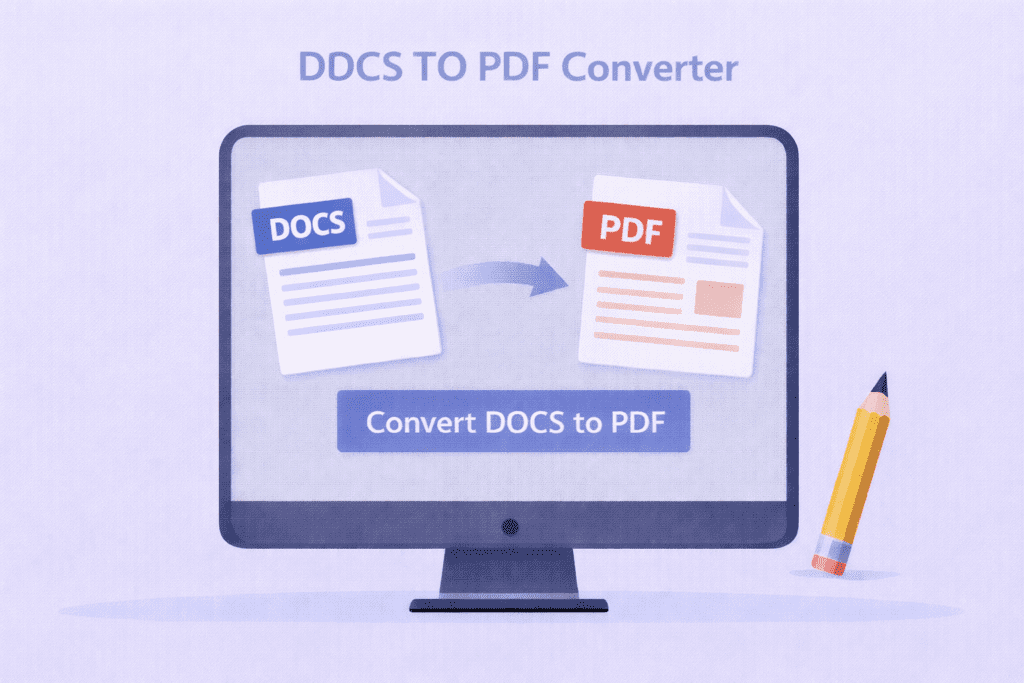
A DOCS TO PDF tool helps you convert Word documents into secure PDF files quickly. With this DOCS TO PDF converter, you can upload a DOC or DOCX file and create a PDF in just a few clicks.
The DOCS TO PDF converter is useful for students, teachers, and office workers. It helps you turn editable Word files into PDF format. As a result, your documents look the same on every device.
Many people prefer PDFs because they are easy to share and hard to edit. Therefore, a DOCS TO PDF tool becomes important when you want to protect your content. It keeps your layout, text, and images safe.
This DOCS TO PDF converter is very simple to use. First, upload your Word document. Then, click the convert button. Finally, download your PDF file. Even a beginner can use this tool without confusion.
Whether you are sending homework, resumes, or office files, a DOCS TO PDF tool saves time. Moreover, it works smoothly on mobile phones, tablets, and computers. That makes it perfect for everyday use.
How DOC to PDF Conversion Works
Why Convert Word Files to PDF
Easy Tool for Daily Use
Q&A
What is a DOC to PDF converter?
A DOCS to PDF converter is a tool that changes Word documents into PDF files.
Can I share files easily after DOCS TO PDF conversion?
Yes, PDF files created using the DOCS TO PDF tool are easy to share and open anywhere.
Is this DOCS TO PDF tool free?
Yes, this DOCS TO PDF converter is free and works online.