
DOCS TO TEXT CONVERTER ONLINE FREE
Docs to Text Converter
If you are looking for a fast and reliable way to convert your documents into plain text, a DOCS TO TEXT converter online free tool is exactly what you need. Whether you’re a student, content writer, developer, or business professional, converting DOC or DOCX files into clean text format can save time and improve productivity.
A DOCS TO TEXT tool removes formatting, images, and unnecessary elements from documents, leaving you with only the raw text. This is especially useful for editing, data extraction, coding, or content reuse. The best part? You don’t need to install any software. Everything works directly in your browser.
In this guide, you will learn how DOCS TO TEXT converters work, their benefits, features to look for, and how to use them efficiently.
Advanced Use Cases and Real-World Applications of DOCS TO TEXT
When you go beyond basic usage, a DOCS TO TEXT converter becomes a powerful tool for many advanced tasks. It’s not just about removing formatting—it’s about making your content more flexible and usable across different platforms.
1. Content Repurposing Made Easy
If you have old Word documents like reports, blogs, or notes, converting them into plain text helps you reuse content quickly. You can:
Turn documents into blog posts
Convert notes into social media content
Prepare scripts for videos or podcasts
This saves time and avoids rewriting everything from scratch.
2. Data Extraction for Research
Researchers and analysts often work with large documents. A DOCS TO TEXT tool helps extract only the useful text, making it easier to:
Analyze data
Find keywords
Organize information
Plain text works better with data tools and scripts.
3. Development and Coding Use
Developers prefer clean text because formatted content can break code. Using DOCS TO TEXT:
Removes hidden formatting
Makes text ready for programming
Helps in automation scripts
This is especially useful for web developers and software engineers.
4. Email and CMS Compatibility
Sometimes when you copy content from Word into email or CMS platforms, formatting gets messy. Converting to text first ensures:
Clean pasting
No broken layouts
Better readability
5. Accessibility Improvements
Plain text is easier for screen readers and accessibility tools. This makes your content:
More inclusive
Easier to share
Compatible with assistive technologies
What is a DOCS TO TEXT Converter and How Does It Work?
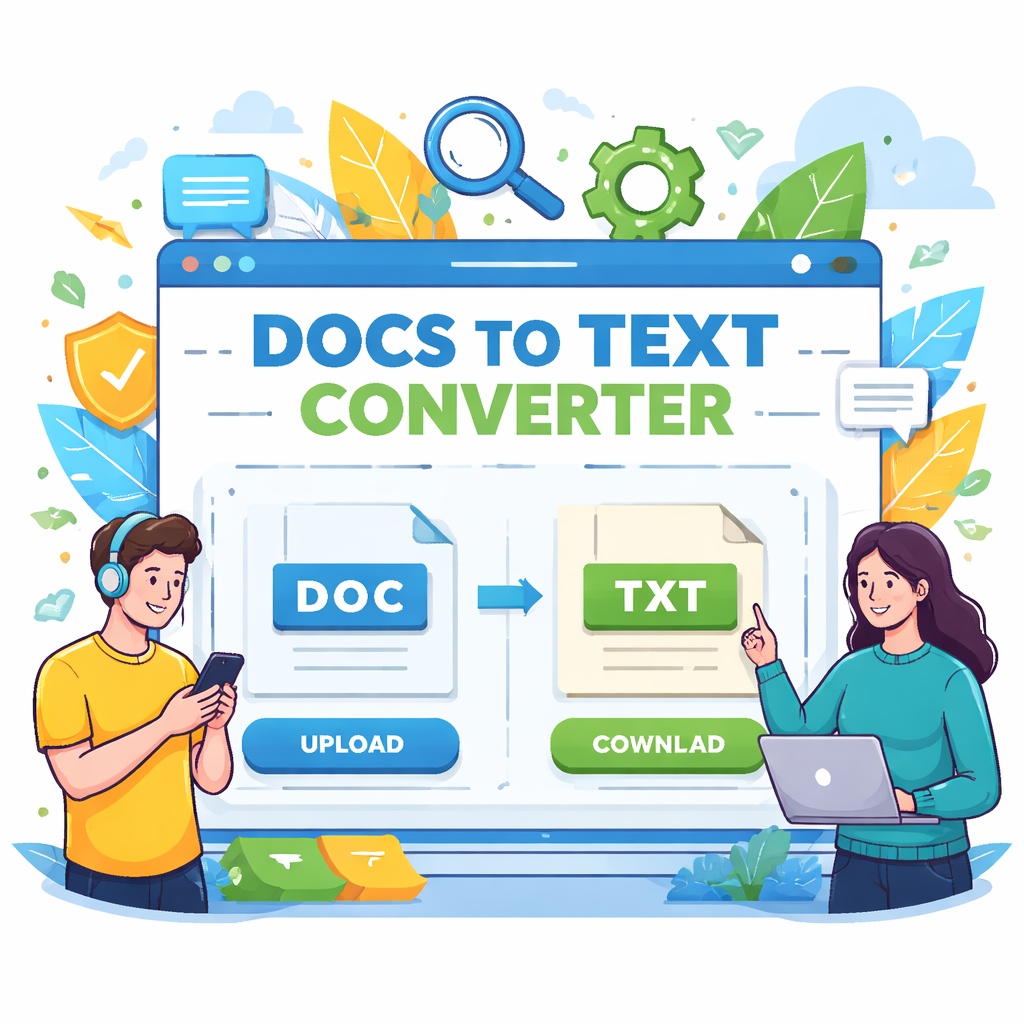
A DOCS TO TEXT converter is an online tool that converts Microsoft Word documents (DOC or DOCX files) into plain text (.txt format). The output file contains only text without any styling such as fonts, colors, tables, or images.
How It Works:
You upload your DOC/DOCX file
The tool processes the document
It extracts only the text content
You download the clean text file instantly
Why This Matters:
Removes unwanted formatting
Makes content easy to edit
Helps in coding and data processing
Improves compatibility across platforms
Example Use Cases:
Extracting blog content for reuse
Cleaning up documents for coding projects
Preparing text for SEO tools
Copying content without formatting issues
Most modern tools use advanced parsing methods to ensure accuracy and maintain text structure as much as possible.
SEO Optimization, Safety, and Final Tips for DOCS TO TEXT
To get the most out of your DOCS TO TEXT workflow, it’s important to focus on SEO, security, and smart usage.
1. SEO Benefits of Using Plain Text
Search engine optimization becomes easier when you work with clean text. After converting:
Add proper headings (H1, H2, H3)
Insert keywords naturally
Improve readability
Plain text gives you a fresh start to optimize your content properly.
2. Improve Content Quality
After conversion, take time to:
Fix grammar and spelling
Break long paragraphs
Add bullet points
This improves user experience and ranking potential.
3. File Security and Privacy
Always use trusted DOCS TO TEXT tools that:
Use secure connections (HTTPS)
Delete files after processing
Do not store your data
Avoid uploading sensitive or confidential documents to unknown platforms.
4. Limitations You Should Know
While DOCS TO TEXT tools are useful, they have some limitations:
No formatting retention
Tables may lose structure
Images are not converted
Understanding these helps you avoid surprises.
5. Choosing the Right Tool
Before selecting a converter, check:
Speed and performance
User interface simplicity
File size limits
Reviews or ratings
A good tool ensures smooth and accurate conversion every time.
Key Features of the Best DOCS TO TEXT Online Free Tools
Not all tools are created equal. A high-quality DOCS TO TEXT converter should offer the following features:
1. Fast Conversion Speed
Time matters. The tool should convert files instantly without delays.
2. No Installation Required
Everything should work online without downloading software.
3. Secure File Handling
Your files should be processed securely and deleted after conversion.
4. High Accuracy
The extracted text should match the original content with minimal errors.
5. Mobile-Friendly Interface
The tool should work smoothly on mobile, tablet, and desktop devices.
6. Bulk Conversion (Optional)
Some tools allow multiple file uploads, saving even more time.
7. Clean Output Format
The final text file should be easy to read and properly structured.
Bonus Features:
Drag-and-drop upload
Dark/light mode support
No watermark on output
Free unlimited usage
Choosing a tool with these features ensures a smooth and professional experience.
Benefits of Using a DOCS TO TEXT Converter Online
Using an online DOCS TO TEXT converter offers several advantages over traditional methods.
1. Saves Time
Manual copying and cleaning of text takes time. This tool does it instantly.
2. Improves Productivity
Focus on your work instead of formatting issues.
3. Works Anywhere
Since it’s online, you can use it from any device with internet access.
4. No Technical Skills Needed
Simple interface makes it easy for beginners.
5. Ideal for Multiple Industries
Students:
Extract notes quickly
Convert assignments into editable text
Writers & Bloggers:
Reuse old content
Prepare drafts for publishing
Developers:
Clean text for coding
Use in scripts or applications
Businesses:
Process reports and documents efficiently
6. SEO and Content Optimization
Plain text is easier to analyze with SEO tools. It helps in:
Keyword optimization
Content editing
Plagiarism checks
How to Use a DOCS TO TEXT Converter (Step-by-Step Guide)
Using a DOCS TO TEXT converter online free is very simple. Follow these steps:
Step 1: Open the Tool
Visit a trusted DOCS TO TEXT converter website.
Step 2: Upload Your File
Click on “Upload”
Select your DOC or DOCX file
Or drag and drop the file
Step 3: Start Conversion
Click on the “Convert” button. The tool will process your file instantly.
Step 4: Download the Text File
Once the conversion is complete, download the .txt file.
Step 5: Use Your Text
Open the file in any text editor and start editing or using the content.
Tips for Best Results:
Use clean and well-formatted documents
Avoid heavily designed files for better accuracy
Check output for minor formatting issues
Best Practices and Tips for Accurate DOCS TO TEXT Conversion
To get the best results from your DOCS TO TEXT tool, follow these tips:
1. Keep Documents Simple
Avoid too many images, tables, or complex layouts.
2. Use Standard Fonts
Unusual fonts may affect text extraction.
3. Check Output File
Always review the converted text for accuracy.
4. Avoid Scanned Documents
If your DOC file contains scanned images, text extraction may not work properly.
5. Use Reliable Tools
Choose tools with good reviews and secure processing.
6. Optimize for SEO
If you are converting content for SEO:
Add headings manually
Insert keywords naturally
Structure content properly
7. Combine with Other Tools
You can use DOCS TO TEXT with:
Grammar checkers
SEO analyzers
Content editors
This improves the overall quality of your content.
FAQs About DOCS TO TEXT
Q1: What is DOCS TO TEXT?
DOCS TO TEXT is a process of converting Word documents into plain text format by removing all formatting elements.
Q2: Is DOCS TO TEXT converter online free safe?
Yes, most trusted tools use secure servers and delete files after processing.
Q3: Can I convert DOCX files also?
Yes, most tools support both DOC and DOCX formats.
Q4: Will formatting be preserved?
No, the purpose is to remove formatting and keep only text.
Q5: Do I need to install any software?
No, everything works online in your browser
Q6: Can I use it on mobile?
Yes, most tools are mobile-friendly.
Conclusion
A DOCS TO TEXT converter online free tool is a simple yet powerful solution for extracting clean text from Word documents. It saves time, improves workflow, and helps in multiple tasks like content editing, SEO optimization, and data processing.
By choosing the right tool and following best practices, you can get accurate and fast results every time. Whether you are a beginner or a professional, this tool makes document handling easier and more efficient.
Start using a DOCS TO TEXT converter today and simplify your work process with just a few clicks.
Final Thoughts
Splitting your workflow into smart steps—convert, clean, and optimize—can make a huge difference. A DOCS TO TEXT converter is more than a simple tool; it’s a productivity booster for content creators, developers, and professionals alike.
By using the right approach and tools, you can turn any document into clean, usable text that is ready for editing, publishing, or analysis.