
JPG TO PDF CONVERTER ONLINE FREE
JPG to PDF Converter
Drag & drop JPG images here
or click to browse from your deviceIf you often work with images, you may sometimes need to turn them into documents. A JPG TO PDF converter online free helps you convert image files into a clean and organized PDF document within seconds. This type of tool is widely used by students, office workers, bloggers, and business owners who need a simple way to share images in a document format.
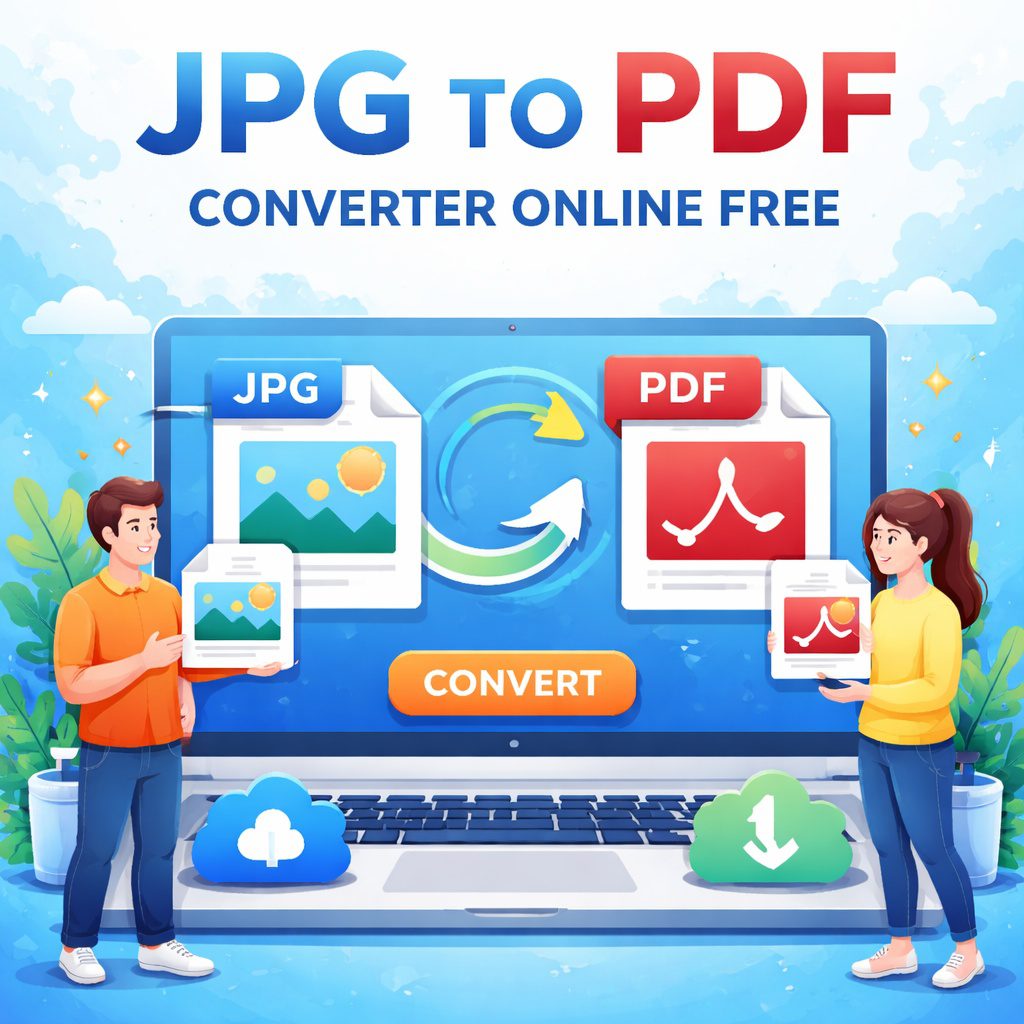
A JPG TO PDF tool allows you to upload one or multiple JPG images and convert them into a single PDF file without installing any software. The process is quick, easy, and usually works directly in your web browser.
PDF files are more professional and easier to share than raw image files. They maintain formatting, support multiple pages, and work on almost every device. This is why many people prefer converting JPG images into PDF files before sending documents through email or uploading them online.
In this guide, you will learn everything about using a JPG TO PDF converter online free, including how it works, why it is useful, and how to choose the best tool for your needs.
Best Practices When Using a JPG TO PDF Converter
When using a JPG TO PDF converter online free, following a few simple best practices can help you achieve better results. Many people convert images into PDF files quickly, but small mistakes can affect the final document quality. By paying attention to image quality, file order, and formatting, you can create a clean and professional PDF every time.
The first thing to check is the quality of the JPG image before conversion. A JPG TO PDF tool cannot improve the quality of a low-resolution image. If the image is blurry or compressed too much, the final PDF will also look unclear. For the best results, always use high-resolution images. Clear and well-lit photos produce a much better PDF document.
Another important step is organizing your images in the correct order. Many users convert multiple images into a single PDF document. If the images are not arranged properly before conversion, the pages may appear in the wrong order. Most JPG TO PDF converter online free tools allow you to drag and rearrange images easily before starting the conversion.
You should also consider the page orientation and size. Some images may appear better in landscape mode, while others work best in portrait layout. A good JPG TO PDF converter automatically adjusts the layout, but checking it before downloading the file helps ensure the document looks neat and readable.
File size is another factor to keep in mind. Large image files can create very large PDF documents. If you plan to send the file through email or upload it to a website, you may want to compress the images slightly before converting them. This keeps the PDF smaller while maintaining acceptable image quality.
Finally, always preview the PDF after conversion. Opening the document and checking each page ensures that the images appear correctly and the order is accurate. If something looks wrong, you can quickly adjust the images and convert them again.
By following these simple tips, a JPG TO PDF converter online free becomes an even more powerful tool. It allows you to turn simple images into organized documents that are easy to share, store, and print while maintaining a professional appearance.
What Is JPG TO PDF Conversion?
JPG TO PDF conversion is the process of turning image files into a PDF document. JPG images are commonly used for photos and screenshots, but they are not always ideal when you want to share documents.
For example, if you have several images of scanned pages, sending them individually can be messy. A JPG TO PDF converter online free combines those images into one organized file.
Understanding JPG Files
JPG (or JPEG) is one of the most popular image formats used on the internet. It uses compression to reduce file size while maintaining good visual quality.
Common uses of JPG files include:
Digital photographs
Social media images
Website graphics
Screenshots
Although JPG files are convenient, they are not ideal for documents that require multiple pages.
Understanding PDF Files
PDF stands for Portable Document Format. It was created to make document sharing simple and consistent across devices.
PDF files are widely used because they:
Preserve layout and formatting
Support multiple pages
Work on all devices and operating systems
Are easy to print and share
This is why converting images using a JPG TO PDF converter online free is so helpful.
Why People Use a JPG TO PDF Converter Online Free
Many situations require converting JPG images into PDF documents. A JPG TO PDF tool solves several common problems quickly.
1. Combining Multiple Images
If you have several JPG images, a converter can merge them into a single PDF file. This is useful for:
Scanned documents
Homework assignments
Reports
Receipts
2. Easier Document Sharing
Sending many image files can be confusing. A single PDF document keeps everything organized.
3. Professional Presentation
PDF documents look cleaner and more professional compared to individual image files.
4. Compatibility Across Devices
PDF files open on almost every device without changing formatting.
5. Secure Document Storage
PDF files can be password protected or encrypted if needed.
Because of these advantages, many professionals rely on JPG TO PDF converter online free tools every day.
How to Convert JPG TO PDF Online
Using a JPG TO PDF converter online free is extremely simple. Most tools follow a similar process.
Step 1: Upload Your JPG Image
First, upload the image file you want to convert. Many tools allow you to:
Drag and drop images
Select files from your computer
Upload multiple images at once
Step 2: Arrange Image Order
If you upload multiple images, you can arrange them in the order you want them to appear in the PDF.
This step is helpful when creating:
Documents
Photo collections
Reports
Step 3: Start the Conversion
After selecting your files, click the convert button. The tool automatically converts the JPG images into a PDF document.
Step 4: Download the PDF File
Once the process is complete, you can download the final PDF file to your device.
The entire process usually takes less than a minute.
Benefits of Using an Online JPG TO PDF Tool
There are many reasons why people prefer using an online JPG TO PDF converter rather than installing software.
1. Completely Free
Many tools allow unlimited JPG TO PDF conversions without any cost.
2. No Installation Required
Online tools work directly in your browser, so you do not need to download any program.
3. Fast Processing
Most conversions take only a few seconds.
4. Works on Any Device
You can convert images on:
Desktop computers
Laptops
Tablets
Smartphones
5. High Quality Output
A good JPG TO PDF converter online free keeps your images clear and sharp.
6. Secure File Handling
Trusted tools automatically remove uploaded files after processing to protect user privacy.
Tips for Best JPG TO PDF Results
To get the best output quality, follow these simple tips:
Use high-resolution JPG images
Arrange images in the correct order before converting
Avoid extremely compressed images
Check the final PDF before sharing
These small steps ensure your JPG TO PDF file looks professional and easy to read.
Conclusion
A JPG TO PDF converter online free is a simple and powerful tool that helps turn image files into organized documents. Whether you are a student submitting assignments, a professional sharing reports, or someone organizing personal files, this tool can save time and effort.
JPG images are great for photos, but PDF files are better for documents. By converting images into PDF format, you make them easier to share, store, and print.
The best part is that you do not need special software or technical skills. With just a few clicks, a JPG TO PDF tool can convert your images into a clean and professional PDF document.
If you regularly work with scanned pages, photos of documents, or image collections, using a reliable JPG TO PDF converter online free can make your workflow much easier and more organized.
FAQs About JPG TO PDF Converter Online Free
Q1: What is a JPG TO PDF converter?
A JPG TO PDF converter is a tool that converts image files into a PDF document. It allows users to combine one or more JPG images into a single organized PDF file.
Q2: Is JPG TO PDF conversion free?
Yes, many online tools offer JPG TO PDF converter online free services. You can convert images without paying or installing software.
Q3: Can I convert multiple JPG images into one PDF?
Yes. Most converters allow you to upload several images and merge them into a single PDF document.
Q4: Will image quality change after conversion?
A good JPG TO PDF converter keeps the image quality very close to the original. However, the final result depends on the quality of the uploaded JPG file.
Q5: Can I use JPG TO PDF on my phone?
Yes. Online converters work on smartphones, tablets, laptops, and desktop computers.
Q6: Is it safe to use an online JPG TO PDF converter?
Trusted converters protect your files and automatically delete uploaded images after conversion.