
Merge PDF Online Free The Ultimate Guide
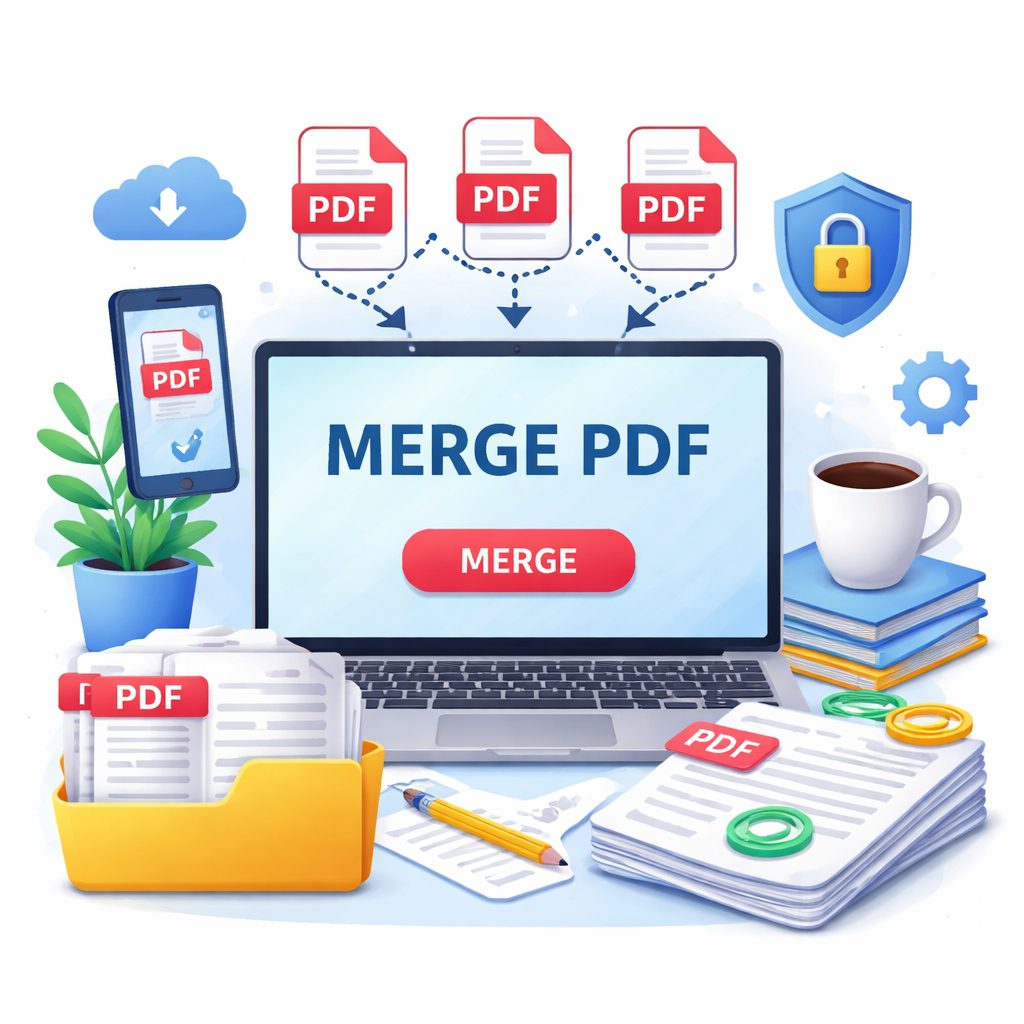
MERGE PDF
Click to upload or drag and drop
PDF files only
In today’s digital-first world, the PDF (Portable Document Format) has become the gold standard for sharing information. Whether you are a student submitting a multi-part assignment, a freelancer sending a portfolio, or a business professional compiling quarterly reports, you often find yourself with multiple files that belong together. This is where the need to merge PDF files becomes essential. By using a “merge PDF online free” tool, you can streamline your workflow, reduce email clutter, and ensure that your recipients receive a single, organized document instead of a confusing pile of attachments.
Why You Should Merge PDF Files Regularly
Managing dozens of individual documents is not only tedious but also prone to error. When you merge PDF files into a single document, you create a cohesive narrative for your data. Imagine sending a job application where your resume, cover letter, and certifications are separate files; there is a high chance the recruiter might miss one. However, by combining them, you guarantee that all your information stays together in the intended order.
Key Benefits of Combining Documents:
Enhanced Organization: Keeping one file instead of ten makes your local folders and cloud storage much cleaner.
Simplified Sharing: Sending one large file via email or Slack is faster and more reliable than uploading multiple small ones.
Professional Presentation: A single, well-structured PDF looks more polished and authoritative to clients and supervisors.
Easier Navigation: Users can scroll through a single document rather than opening and closing multiple windows.
How to Use a Merge PDF Online Tool Step-by-Step
The beauty of modern web technology is that you no longer need to purchase expensive desktop software like Adobe Acrobat Pro just to join two pages. You can find a reliable “merge PDF online free” service and complete the task in seconds. The process is designed to be intuitive, even for those who aren’t tech-savvy.
The Standard Process to Combine Files:
Upload Your Documents: Visit a trusted online PDF utility and click the ‘Upload’ button. You can also drag and drop your files directly into the browser window.
Arrange the Pages: Most tools provide a thumbnail view. Here, you can click and drag the files to change their sequence. Ensure the introduction comes first and the appendices are at the end.
Initiate the Merge: Once the order is perfect, click the button labeled merge PDF or “Combine.” The server will process the files instantly.
Download and Save: After the merge is complete, a download link will appear. Save the new file to your device or export it directly to Google Drive or Dropbox.
Top Features to Look for in a Free PDF Joiner
Not all online tools are created equal. While many sites offer the ability to merge PDF files, some might add intrusive watermarks, limit the file size, or degrade the quality of your images. To get the best results, you should look for specific features that define a high-quality service.
Essential Features Checklist:
No Quality Loss: The tool should maintain the original resolution of your text and images.
Batch Processing: You should be able to upload more than two files at once to save time.
Cloud Integration: The ability to pull files directly from OneDrive or Google Drive is a huge plus.
Cross-Platform Compatibility: A good tool works just as well on a MacBook as it does on an Android phone or a Windows PC.
Ease of Use: A clean, ad-free interface makes the experience much smoother.
| Feature | Importance | Why It Matters |
| Speed | High | You shouldn’t wait more than a few seconds for a merge. |
| Privacy | Critical | Your data should be encrypted and deleted post-process. |
| File Limit | Medium | Check if the tool allows at least 20+ files per merge. |
Safety and Privacy: Protecting Your Data Online
One of the biggest concerns users have when they merge PDF documents online is the security of their sensitive information. Whether it’s a financial statement or a personal ID, you want to ensure your data doesn’t fall into the wrong hands. A reputable “merge PDF online free” platform will have strict privacy protocols in place.
How to Ensure Your Files Stay Private:
SSL Encryption: Look for the padlock icon in your browser’s address bar. This ensures that the connection between your computer and the server is secure.
Automatic Deletion: Top-tier tools automatically wipe your files from their servers within 60 minutes of processing.
Privacy Policy: Read the fine print to ensure the site does not claim ownership or rights to view your content.
Offline Options: If you are dealing with extremely sensitive government or medical data, consider using the offline version of these tools if available.
Pro Tips for Perfect PDF Merging
To make the most out of your combined documents, follow these expert tips. Merging is just the first step; making the final file “reader-friendly” is what sets professionals apart.
Standardize Page Sizes: Before you merge PDF files, try to ensure they are all the same dimensions (e.g., all A4 or all Letter) to avoid a jumpy reading experience.
Optimize File Size: If the final merged file is too large to email, use a PDF compressor tool immediately after merging.
Use Bookmarks: If your merged document is over 50 pages, use an editor to add bookmarks or a table of contents so the reader can jump to specific sections.
Check Formatting: Sometimes, merging different versions of PDFs (created in different software) can cause font glitches. Always open the final file and scroll through it once before sending it out.
From Desktop to Cloud: The Future of Document Management
As we move further into 2026, the way we merge PDF files is evolving beyond simple desktop applications. We are now entering an era of “intelligent document processing” where combining files is just the beginning of a much larger automation workflow. Modern online platforms are no longer just static converters; they are becoming central hubs for digital collaboration.
Why Cloud Integration is a Game Changer:
Real-time Collaboration: Many “merge PDF online free” tools now allow multiple users to upload documents into a shared “merge bucket,” making it easier for teams to build a final report together.
AI-Powered Sorting: New AI features can now scan the content of your uploaded files and suggest the most logical order to merge PDF documents based on dates, titles, or page numbers.
Direct-to-Cloud Exporting: Instead of downloading a file to your local hard drive and then re-uploading it to a client portal, you can now sync your merged results directly to platforms like Slack, Trello, or Microsoft Teams.
Beyond Just Merging
While your primary goal might be to merge PDF files today, the flexibility of these tools allows for much more. Once you have combined your documents, you can often perform “post-merge” optimizations. For instance, after joining five different reports into one, you might want to add a digital signature to the final page or protect the entire combined document with a single master password.
This holistic approach to document management ensures that your “merge PDF online free” experience is not just a one-off task, but a step toward a more organized digital life. By embracing these cloud-based features, you save physical storage space and reduce the carbon footprint associated with printing and scanning paper documents. Whether you are working from a home office or a corporate headquarters, the ability to seamlessly blend documents into a single, cohesive file is a skill that will continue to pay dividends in professional efficiency.
FAQs: Everything You Need to Know About Merging PDFs
Q1:Is there a limit to how many files I can merge?
Most free online services allow you to merge PDF files up to a certain limit—usually 20 to 50 files per session. For larger batches, you might need a premium account.
Q2: Can I merge password-protected PDFs?
Yes, but you will generally need to provide the password for each encrypted file before the tool can combine them into a new document.
Q3: Will the formatting of my original documents change?
No, a high-quality “merge PDF online free” tool simply “stitches” the files together. Your fonts, margins, and images will remain exactly as they were in the original files.
Q4: Can I merge PDFs on my iPhone or Android?
Absolutely. Since these are web-based tools, you can simply open your mobile browser, upload the files from your “Files” app or “Gallery,” and download the merged result.
Conclusion
Mastering the ability to merge PDF files is a small but powerful way to increase your digital productivity. It turns a scattered collection of data into a professional, easy-to-read document. By choosing a secure, “merge PDF online free” service, you can handle your documentation needs with confidence and speed.