
ORGANIZE PDF CONVERTER ONLINE FREE
Organize PDF Converter
Drag pages to reorder. Click the 'X' to exclude a page from the final converted file.
In today’s digital world, managing documents efficiently is more important than ever. Whether you are a student, business owner, freelancer, or office worker, you often deal with multiple PDF files daily. This is where an ORGANIZE PDF tool becomes essential. It helps you arrange, merge, split, and reorder pages without any technical skills.
An ORGANIZE PDF converter online free solution allows you to handle your documents directly from your browser. You don’t need to install heavy software or worry about compatibility issues. With just a few clicks, you can clean up messy files, remove unwanted pages, and create a perfectly structured document.
This guide explains everything you need to know about organizing PDF files online, including features, benefits, step-by-step usage, and best practices.
ORGANIZE PDF ONLINE FREE | SIMPLE & FAST
Managing digital documents can quickly become overwhelming, especially when you are dealing with multiple PDF files every day. This is where an ORGANIZE PDF tool becomes extremely useful. It helps you arrange, edit, and structure your files in a clean and professional way without needing any advanced skills.
An ORGANIZE PDF converter online free tool allows you to manage your documents directly from your browser. You don’t need to install any software or worry about compatibility. Whether you want to reorder pages, remove unwanted sections, or combine multiple files, everything can be done in just a few clicks.
Organizing PDFs is not just about making files look neat. It plays a major role in improving readability, saving time, and increasing productivity. When your document is properly arranged, it becomes easier to understand and share. This is especially important for business reports, academic files, invoices, and presentations.
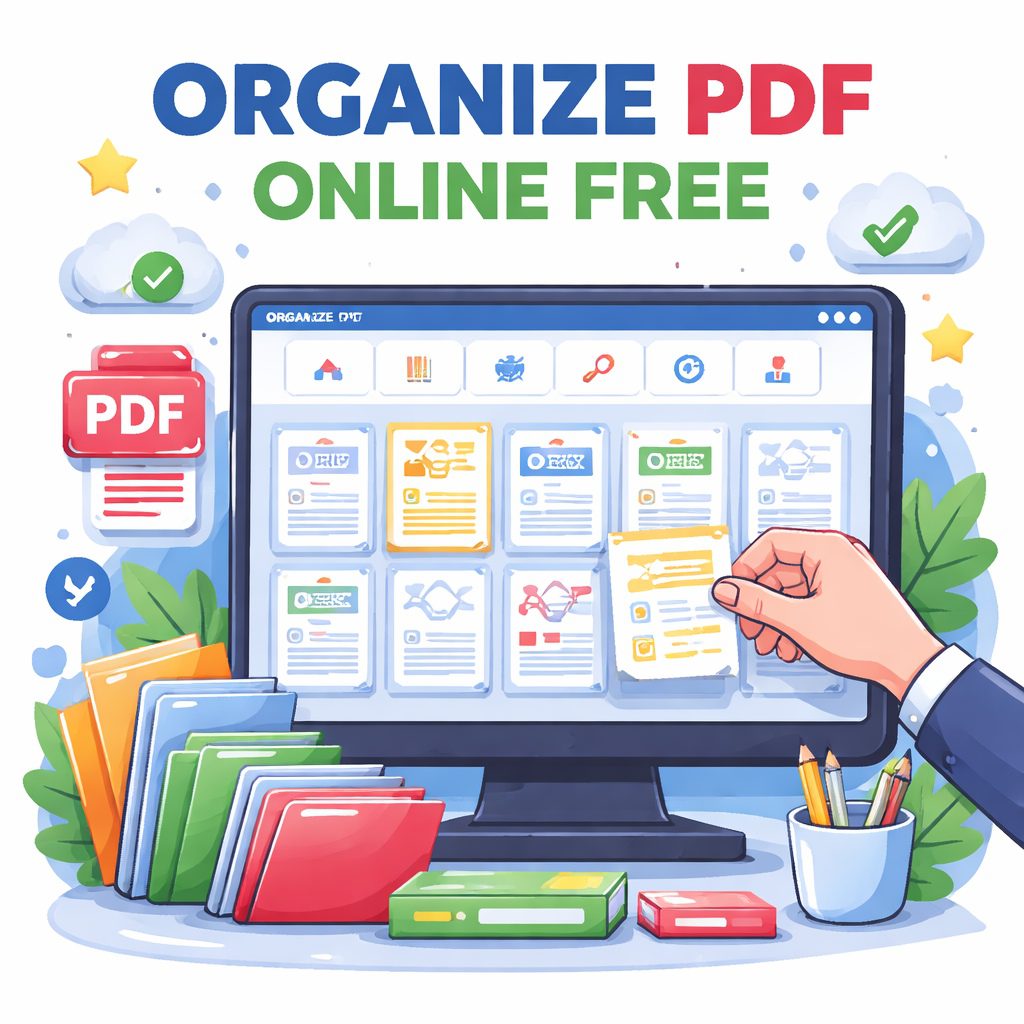
Most online tools are designed with simplicity in mind. You upload your file, and the tool shows all pages in a visual format. From there, you can drag and drop pages to rearrange them, delete unnecessary pages, or rotate pages that are not aligned properly. Once done, you simply download the updated file.
One of the biggest advantages of using an online ORGANIZE PDF tool is convenience. You can access it anytime, anywhere, using any device. Whether you are on a laptop, tablet, or smartphone, the process remains smooth and quick. This flexibility makes it ideal for both personal and professional use.
Security is another important factor. Trusted PDF organizers ensure that your files are protected with encryption and automatically deleted after processing. This means you can safely upload sensitive documents without worrying about privacy.
In addition to organizing, many tools also offer extra features such as merging multiple PDFs into one file or splitting a large document into smaller parts. This helps in better file management and makes sharing easier. For example, instead of sending a large file, you can split it into smaller sections and send only what is needed.
Using an ORGANIZE PDF converter online free tool also saves time. Instead of manually editing files or recreating documents, you can make quick adjustments within seconds. This improves efficiency, especially if you handle a large number of documents daily.
Another benefit is cost savings. Most online tools offer free basic features, which are enough for regular use. You don’t need to invest in expensive software for simple tasks like rearranging pages or deleting sections.
To get the best results, always choose a reliable tool that offers a user-friendly interface and secure processing. Make sure the platform supports the features you need and works smoothly on your device. A good tool will make the entire process effortless and quick.
HOW TO ORGANIZE PDF | EASY STEPS & BENEFITS
Using an ORGANIZE PDF converter online free is very simple. First, upload your PDF file. Once uploaded, the tool will display all pages clearly. You can then rearrange them by dragging and dropping.
If there are pages you don’t need, you can remove them instantly. If any page is not aligned properly, use the rotate option to fix it. You can also merge multiple files into one or split a large document into smaller parts.
After making all the changes, click on the apply button and download your updated file. The entire process is quick and does not require any technical knowledge.
These tools offer many useful features. The drag-and-drop interface makes it easy to use. You get full control over your document without any confusion. Even beginners can manage their PDFs without any problem.
There are several benefits of using an ORGANIZE PDF tool. It saves time, improves document quality, and makes sharing easier. When your file is properly arranged, it becomes more readable and professional.
Another advantage is that it works on all devices. Whether you are using a phone or a computer, you can organize your PDFs anytime. This makes it very convenient for people who work on the move.
Many users also worry about safety. Good tools ensure your files are protected and removed after processing. Always choose a trusted platform for better security.
In the end, using an ORGANIZE PDF tool online is a smart and simple way to manage your documents. It helps you stay organized, saves time, and improves your overall productivity. If you handle PDFs regularly, this tool can make your work much easier.
WHAT DOES ORGANIZE PDF MEAN AND WHY IT MATTERS
When we talk about ORGANIZE PDF, it simply means arranging your PDF files in a structured and readable format. This can include:
- Reordering pages
- Deleting unnecessary pages
- Rotating pages
- Merging multiple PDFs
- Splitting large PDFs into smaller files
These actions may seem simple, but they can make a huge difference in how your documents are presented.
Why Organizing PDFs Is Important
1. Better Readability
A well-organized PDF is easier to read and understand. It ensures that information flows logically from one page to another.
2. Professional Appearance
If you are sharing documents with clients or colleagues, a properly arranged file creates a strong impression.
3. Time Saving
Instead of searching for information in a cluttered file, an organized PDF allows quick access.
4. Improved Productivity
When your documents are structured, your workflow becomes faster and more efficient.
5. Easy Sharing
Organized files are easier to send, store, and manage across devices.
FEATURES OF AN ONLINE ORGANIZE PDF CONVERTER
A reliable ORGANIZE PDF converter online free tool offers several useful features. Let’s break them down in simple terms.
1. Drag and Drop Interface
Most tools provide an easy drag-and-drop feature. You can simply upload your file and rearrange pages visually.
2. Page Reordering
You can move pages up or down to match your preferred sequence.
3. Delete Unwanted Pages
Remove pages that are not needed to make your file cleaner.
4. Rotate Pages
Fix pages that are scanned in the wrong direction.
5. Merge PDFs
Combine multiple PDF files into a single document.
6. Split PDF Files
Break large files into smaller sections for easier handling.
7. Cloud-Based Access
Since it’s online, you can access your files anytime from any device.
8. Secure Processing
Good tools ensure your files are encrypted and automatically deleted after processing.
HOW TO ORGANIZE PDF ONLINE FOR FREE (STEP-BY-STEP GUIDE)
Using an online ORGANIZE PDF tool is simple and does not require technical knowledge. Follow these easy steps:
Step 1: Upload Your PDF
Go to your preferred online tool and upload the file from your device, Google Drive, or Dropbox.
Step 2: Arrange Pages
Once uploaded, you will see all pages in thumbnail view. Drag and drop them to reorder.
Step 3: Remove Unnecessary Pages
Click on any page you don’t need and delete it.
Step 4: Rotate Pages
If any page is upside down, use the rotate option to fix it.
Step 5: Merge or Split (Optional)
- Merge multiple files if needed
- Split the document into smaller sections
Step 6: Apply Changes
Click on the “Organize” or “Apply” button to process your file.
Step 7: Download the Final PDF
Once done, download your organized PDF file instantly.
BENEFITS OF USING ORGANIZE PDF CONVERTER ONLINE FREE
Choosing an online ORGANIZE PDF tool comes with many advantages compared to offline software.
1. No Installation Required
You don’t need to download or install anything. Everything works in your browser.
2. Free to Use
Most tools offer free basic features, making them accessible for everyone.
3. Works on Any Device
Whether you are using a laptop, tablet, or mobile, you can organize your PDFs easily.
4. Fast Processing
Online tools are optimized for speed, so your files are ready in seconds.
5. User-Friendly Interface
Even beginners can use these tools without any confusion.
6. Secure File Handling
Trusted platforms ensure your data is protected and automatically removed after use.
7. Supports Multiple Formats
Many tools also allow conversion between formats like Word, Excel, and images.
FAQs ABOUT ORGANIZE PDF
Q1: What is the best way to organize PDF files online?
The best way is to use a reliable ORGANIZE PDF converter online free tool that offers drag-and-drop features, page editing, and secure processing.
Q2: Is it safe to use online PDF organizers?
Yes, most trusted tools use encryption and automatically delete your files after processing. Always choose a well-known platform.
Q3: Can I organize PDF files on my mobile?
Absolutely. Most online tools are mobile-friendly and work smoothly on smartphones.
Q4: Do I need technical skills to organize PDFs?
No, these tools are designed for beginners. You can organize files with just a few clicks.
Q5: Can I merge and split PDFs using the same tool?
Yes, many online tools offer both merging and splitting features along with organizing options.
Q6: Is there any file size limit?
Some free tools have size limits, but many platforms allow large files or offer premium upgrades.
CONCLUSION - ORGANIZE PDF
Managing digital documents does not have to be complicated. With an ORGANIZE PDF converter online free, you can take full control of your files without any stress. From rearranging pages to merging documents, everything can be done quickly and efficiently.
The key advantage of using an online tool is convenience. You save time, avoid software installations, and get instant results. Whether you are handling personal documents or professional files, keeping them organized improves both productivity and presentation.
If you regularly work with PDFs, it’s a smart idea to start using an ORGANIZE PDF tool today. It will simplify your workflow and help you stay organized in a fast-moving digital world.
Start exploring a trusted online PDF organizer now and experience how easy document management can be.