PDF Converter
PDF CONVERTER – Convert PDF Files Easily Online
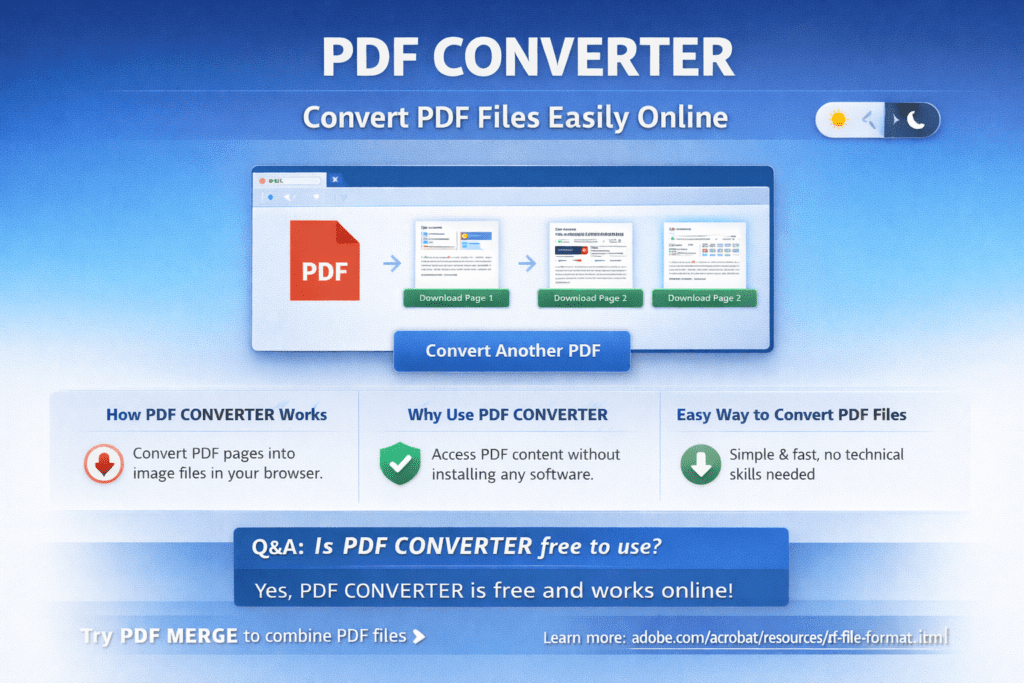
PDF CONVERTER helps you convert PDF files easily online. With PDF CONVERTER, you can turn PDF pages into image files directly from your browser without installing any software.
PDF CONVERTER is useful for students, teachers, and office users. It helps convert PDF pages into images for presentations, assignments, and sharing. As a result, working with PDF content becomes simple.
Many PDF files are not easy to edit or share as images. Therefore, PDF CONVERTER is helpful when you need quick access to PDF pages in image format. It keeps the original PDF safe while creating new image files.
Using PDF CONVERTER is very easy. First, upload your PDF file. Then, start the conversion process. Finally, download the converted images. Even beginners can use it without any difficulty.
Whether you are working with study notes, scanned documents, or reports, PDF CONVERTER saves time. Moreover, it works smoothly on mobile phones, tablets, and computers. This makes it perfect for daily use.
How PDF CONVERTER Works
PDF CONVERTER converts PDF pages into image files directly inside the browser.
Why Use PDF CONVERTER
PDF CONVERTER helps you access PDF content easily without installing any software.
Easy Way to Convert PDF Files
With PDF CONVERTER, converting PDF pages takes only a few clicks. No technical skills are required.
Q&A
What is PDF CONVERTER?
PDF CONVERTER allows you to convert PDF pages into image files online.
Can I use PDF CONVERTER on mobile?
Yes, PDF CONVERTER works on mobile phones, tablets, and desktop computers.
Is PDF CONVERTER free to use?
Yes, PDF CONVERTER is free and works completely online.