
PDF TO EXCEL CONVERTER ONLINE FREE
PDF to Excel Converter
A PDF TO EXCEL converter is one of the most useful online tools for anyone who works with data, reports, invoices, or structured documents. PDF files are excellent for sharing information because they keep formatting consistent, but editing or analysing data inside them can be difficult. This is where converting PDF TO EXCEL becomes extremely helpful.
Instead of manually copying numbers or tables from a document, users can quickly transform a PDF file into an editable Excel spreadsheet. Modern online converters make this process simple, fast, and accessible directly from a web browser without installing software. Whether you are a student, accountant, business owner, or office professional, this conversion saves time and improves productivity.
This guide explains how PDF TO EXCEL conversion works, why it matters, and how to choose the right online tool for accurate results.
PDF TO EXCEL CONVERTER ONLINE FREE | Easy Way to Turn PDF Data into Editable Spreadsheets
A PDF TO EXCEL converter is one of the most practical tools for anyone who works with reports, invoices, financial statements, or structured data. PDF files are great for sharing documents because they keep formatting consistent across devices, but editing information inside them can be difficult. This is why many users prefer converting PDF files into Excel spreadsheets where data becomes flexible and easy to manage.
When you convert PDF TO EXCEL, tables, numbers, and text are transformed into rows and columns that can be edited instantly. Instead of copying information manually, users can save time and reduce errors by using an online converter. Students use these tools to analyse research data, accountants manage financial reports more efficiently, and businesses organise records without repeating manual work.
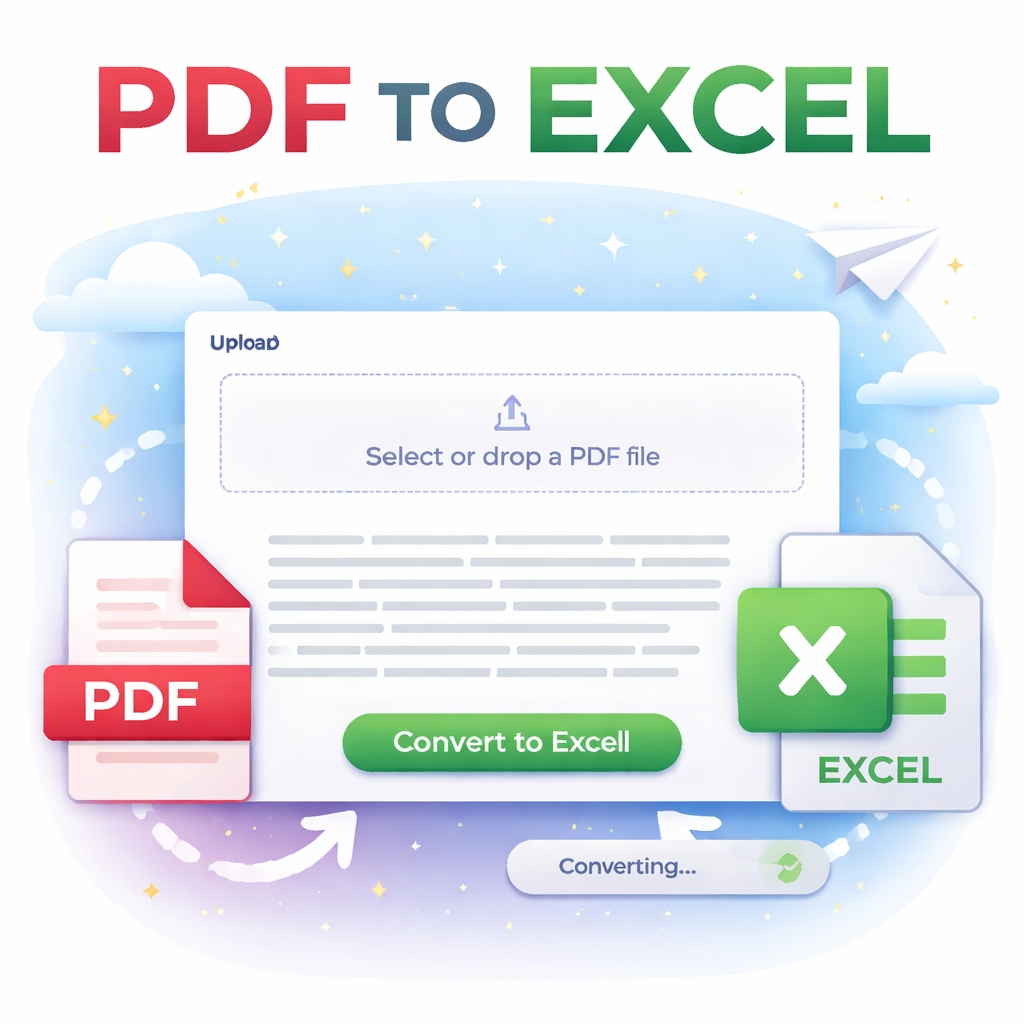
Modern converters work directly inside a web browser. You simply upload your file, start the conversion process, and download the Excel version within seconds. No installation is required, making the tool accessible on laptops, tablets, and smartphones. This convenience has made online converters increasingly popular for both personal and professional use.
Another important advantage is accuracy. Advanced PDF TO EXCEL tools detect table structures automatically. They identify columns, headings, and numerical values, placing them correctly into spreadsheet cells. Some tools even support OCR technology, which extracts text from scanned PDFs or image-based documents.
Security is also a major concern for users handling sensitive documents. Reliable online converters process files securely and remove them automatically after conversion. This ensures privacy while still offering fast performance.
A professional converter should also include a clean interface and responsive design. Mobile-friendly layouts allow users to convert files anytime, whether working remotely or travelling. Many modern tools now include light and dark theme options, helping users switch between comfortable viewing modes depending on their environment.
Using a PDF TO EXCEL converter offers several practical benefits:
- Saves hours of manual data entry
- Improves accuracy when handling numbers
- Makes data analysis easier using formulas and charts
- Allows quick editing and updates
- Supports collaboration through shareable Excel files
To achieve the best results, users should upload clear and properly formatted PDFs. Documents with well-defined tables usually convert more accurately. After conversion, it is good practice to review column alignment and formatting before final use.
Online tools continue to evolve, making document management simpler than ever. As remote work and digital workflows grow, the need for flexible file formats also increases. Converting PDFs into Excel spreadsheets helps bridge the gap between static documents and editable data environments.
Why PDF TO EXCEL Conversion Improves Productivity and Workflow Efficiency
The biggest reason people rely on PDF TO EXCEL conversion is productivity. Businesses and individuals often receive important data locked inside PDFs. Without conversion, editing or analysing that information requires manual effort. A converter removes this limitation by turning fixed documents into dynamic spreadsheets.
In business environments, teams frequently work with sales reports, expense sheets, or analytics summaries shared as PDFs. Converting these files allows teams to filter data, create graphs, and perform calculations instantly. This speeds up decision-making and reduces repetitive work.
Students and researchers also benefit greatly. Tables from academic papers or surveys can be extracted quickly and analysed using Excel tools. Instead of rewriting datasets, users can focus on interpretation and insights.
Another advantage is compatibility. Excel files work across many platforms, including Microsoft Excel, Google Sheets, and other spreadsheet programs. Once converted, files can be edited, shared, or stored in cloud systems for collaboration.
Ease of use is what makes modern converters stand out. Most tools follow a simple three-step process:
- Upload the PDF file.
- Convert the document automatically.
- Download the editable Excel file.
This straightforward workflow makes the tool suitable even for beginners with no technical knowledge.
Choosing a reliable converter ensures better results. Look for tools that maintain formatting, support multiple pages, and process files quickly without complicated settings. A well-designed web app with responsive layout and theme switching adds a professional touch while improving usability.
In today’s digital workspace, efficiency matters more than ever. Converting PDF TO EXCEL helps users move from static documents to editable data environments where information can be organised, analysed, and shared easily. Whether for business tasks, academic work, or everyday document handling, this simple conversion process saves time and makes data management far more effective.
Why Convert PDF TO EXCEL Files?
PDF documents are designed mainly for viewing and sharing, not editing. While they preserve layout perfectly, extracting structured data like tables or financial records can be challenging. Converting PDF TO EXCEL solves this problem by turning static information into editable spreadsheet data.
Here are the main reasons people use PDF TO EXCEL tools:
- Edit financial or business reports easily
- Analyse data using formulas and charts
- Sort and filter large datasets
- Reuse tables without retyping
- Improve workflow efficiency
For example, accountants often receive bank statements or invoices in PDF format. Instead of typing each entry manually, conversion allows instant editing inside Microsoft Excel or compatible spreadsheet software.
Students also benefit by converting research tables into spreadsheets for analysis and assignments.
How a PDF TO EXCEL Converter Works
A PDF TO EXCEL converter uses intelligent document processing to detect text, tables, and layout structures inside a PDF file. The tool then rebuilds this information into spreadsheet rows and columns.
The typical process includes:
- Upload the PDF file.
- The converter scans document elements.
- Tables and text blocks are identified.
- Data is organised into rows and columns.
- The Excel file is generated and downloaded.
Many modern web apps use browser-based processing, meaning files are handled locally on the user’s device. This improves privacy and speeds up the conversion process.
Advanced tools may also use OCR (Optical Character Recognition) to extract text from scanned PDFs or images.
Key Features of a Professional PDF TO EXCEL Tool
Not all converters provide the same quality. A reliable PDF TO EXCEL solution should include features that ensure accuracy and ease of use.
1. Clean and Simple Interface
Users should be able to upload and convert files without confusion. A minimal design helps complete tasks faster.
2. Accurate Table Detection
The best converters preserve rows, columns, and formatting instead of placing all data into one column.
3. Fast Processing
Online tools should convert files within seconds, even for multi-page PDFs.
4. Mobile-Friendly Design
A responsive layout allows conversion from smartphones and tablets.
5. Secure File Handling
Trusted tools automatically remove files after processing to protect user data.
6. Theme Options
Modern web apps often include light and dark modes for comfortable viewing.
These features improve usability and create a professional conversion experience.
Benefits of Using an Online PDF TO EXCEL Converter
Online tools have become popular because they remove the need for downloads or complex software installations. Users can access them anytime from any device.
Accessibility
You only need a browser and internet connection. No setup is required.
Time Efficiency
Large datasets can be converted in seconds rather than hours of manual entry.
Cost Savings
Many converters are available online free, making them ideal for individuals and small businesses.
Cross-Platform Compatibility
Works on Windows, macOS, Android, and iOS devices.
Easy Collaboration
Converted Excel files can be shared, edited, and analysed by teams instantly.
Because of these advantages, online conversion tools are now widely used in offices, schools, and remote work environments.
Tips for Accurate PDF TO EXCEL Conversion
While modern tools are powerful, following a few best practices ensures better results.
- Use clear and high-quality PDFs whenever possible.
- Avoid heavily scanned or blurry documents.
- Ensure tables are properly aligned in the original file.
- Check merged cells after conversion.
- Review formulas before final use.
If your document contains scanned images, choose a converter that supports OCR technology for improved accuracy.
It is also helpful to preview the Excel output and adjust column widths or formatting if necessary.
FAQs About PDF TO EXCEL Conversion
Q1: What is a PDF TO EXCEL converter?
A PDF TO EXCEL converter is an online or software tool that transforms PDF documents into editable Excel spreadsheets while preserving data structure.
Q2: Is PDF TO EXCEL conversion free?
Many online tools offer free conversion with basic features. Some advanced platforms provide premium options for bulk processing or OCR support.
Q3: Will formatting stay the same after conversion?
Most modern converters maintain table structure and layout, though minor adjustments may sometimes be required.
Q4: Can scanned PDFs be converted to Excel?
Yes, but only if the tool supports OCR technology, which reads text from images.
Q5: Is it safe to use online converters?
Trusted converters use secure processing and automatically delete files after conversion. Always choose reliable platforms.
Q6: Do I need to install software?
No. Online PDF TO EXCEL tools work directly in your browser, so installation is not required.
Conclusion
A dependable PDF TO EXCEL converter makes working with data easier by turning static PDF files into fully editable spreadsheets. It eliminates manual typing, reduces errors, and allows users to analyse information quickly and efficiently.
Whether you are managing financial reports, academic research, invoices, or business documents, converting PDFs into Excel format helps streamline daily tasks. Modern online converters provide fast performance, secure processing, and user-friendly design that works across all devices.
If you regularly handle data stored in PDF files, using a reliable PDF TO EXCEL tool is a smart step toward improving productivity and saving valuable time. Try an online converter today and experience how simple document transformation can be.