PDF to PNG Converter
Upload PDF File
Drag and drop your PDF file here
or
Supports PDF files up to 50MB
PDF Preview
Conversion Settings
100%
Pages
Click on a page to select it for conversion
Converted PNG Files
Converted PNG files will appear here
Processing PDF
Loading document…
PDF TO PNG – Convert PDF Pages into PNG Images Online
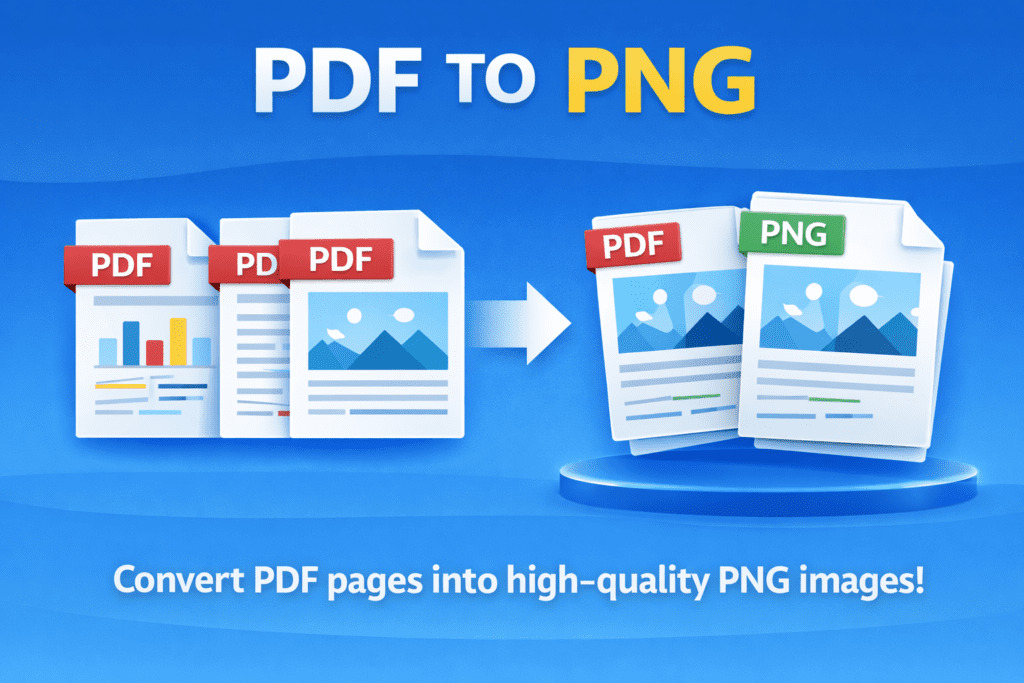
A PDF to PNG tool helps you convert PDF pages into image format quickly. With this PDF to PNG converter, you can upload a PDF file and download each page as a clear PNG image in seconds.
The PDF to PNG tool is useful for students, designers, and office users. It helps turn PDF pages into image files. As a result, sharing and editing content becomes easier.
Many people choose PNG images because they are high quality and clear. Therefore, a PDF to PNG tool is important when you need sharp images from PDF documents. It keeps text and graphics clean without blur.
This PDF to PNG converter is very easy to use. First, upload your PDF file. Then, click the convert button. Finally, download your PNG images. Even beginners can use this tool without any confusion.
Whether you are working on presentations, websites, or documents, a PDF to PNG tool saves time. Moreover, it works smoothly on mobile phones, tablets, and computers. That makes it perfect for daily use.
How PDF TO PNG Conversion Works
Why Convert PDF Files to PNG
Simple Tool for Everyday Image Needs
Q&A
What is a PDF TO PNG converter?
A PDF TO PNG converter changes PDF pages into PNG image files.
Does PDF TO PNG keep image quality?
Yes, the PDF TO PNG tool converts files into high-quality PNG images.
Is this PDF TO PNG tool free to use?
Yes, this PDF TO PNG converter is free and works online.