
PNG TO JPG Online Free
PNG TO JPG
Click to upload or drag and drop PNG
PNG files only
In the digital world, image formats play a crucial role in how we share and view content, and finding a way to convert PNG TO JPG online free is a top priority for many users. Whether you are a blogger trying to speed up your website, a student submitting an assignment, or a professional photographer managing a large portfolio, knowing how to handle these file types is essential. This guide will walk you through everything you need to know about converting your images efficiently while maintaining the best possible quality.
The demand for high-speed internet and instant accessibility has made image optimization a non-negotiable part of digital asset management. PNG files, while excellent for design, often carry a heavy “weight” in terms of kilobytes. This extra weight can slow down mobile browsing and consume unnecessary data for your audience. By transitioning to JPG, you are adopting a more streamlined approach to digital communication. Modern browsers and social media algorithms favor efficiency, and providing images that load in the blink of an eye can significantly improve your reach and engagement.
Converting your files doesn’t have to be a technical headache. With the right tools, you can transform a heavy, high-resolution PNG into a lightweight, web-friendly JPG in just a few clicks. This process is not just about saving space; it’s about versatility. JPG is the universal language of digital imagery, compatible with everything from ancient operating systems to the latest AI-driven platforms. In the following sections, we will explore why this conversion is necessary, the technical differences between the formats, and how you can optimize your workflow for better SEO and storage management.
Why You Need to Convert PNG TO JPG for Better Performance
The primary reason most people search for a PNG TO JPG converter is file size. While PNG (Portable Network Graphics) is famous for its lossless quality and transparency support, it often results in significantly larger file sizes compared to JPG (Joint Photographic Experts Group). For web users, a large image means slow loading times, which can negatively impact user experience and search engine rankings.
Here are the main benefits of switching to JPG:
Reduced File Size: JPGs can be up to 10 times smaller than PNGs without a noticeable loss in quality for the average eye.
Improved Page Speed: Smaller images load faster, which is a critical factor for Google’s Core Web Vitals.
Storage Efficiency: If you have thousands of photos, converting them can save gigabytes of space on your hard drive or cloud storage.
Universal Compatibility: Almost every device, social media platform, and email client handles JPG files perfectly.
By choosing to convert PNG TO JPG, you are essentially making your digital life easier and your website faster. It’s a simple optimization step that yields high rewards in terms of performance.
Understanding the Technical Differences: PNG vs. JPG
To appreciate why you might need to convert PNG TO JPG, it helps to understand what happens under the hood. PNG uses “lossless” compression. This means that every single pixel of data is preserved exactly as it was. This is fantastic for logos, icons, and images with text where sharpness is non-negotiable. However, for a standard photograph with millions of colors, this level of detail is often overkill and results in a bloated file.
On the other hand, JPG uses “lossy” compression. This process intelligently removes certain bits of data that the human eye is less likely to perceive. This allows the file size to shrink dramatically. When you use an online tool to convert PNG TO JPG, the algorithm calculates the best balance between discarding data and maintaining visual clarity.
When to Keep a PNG:
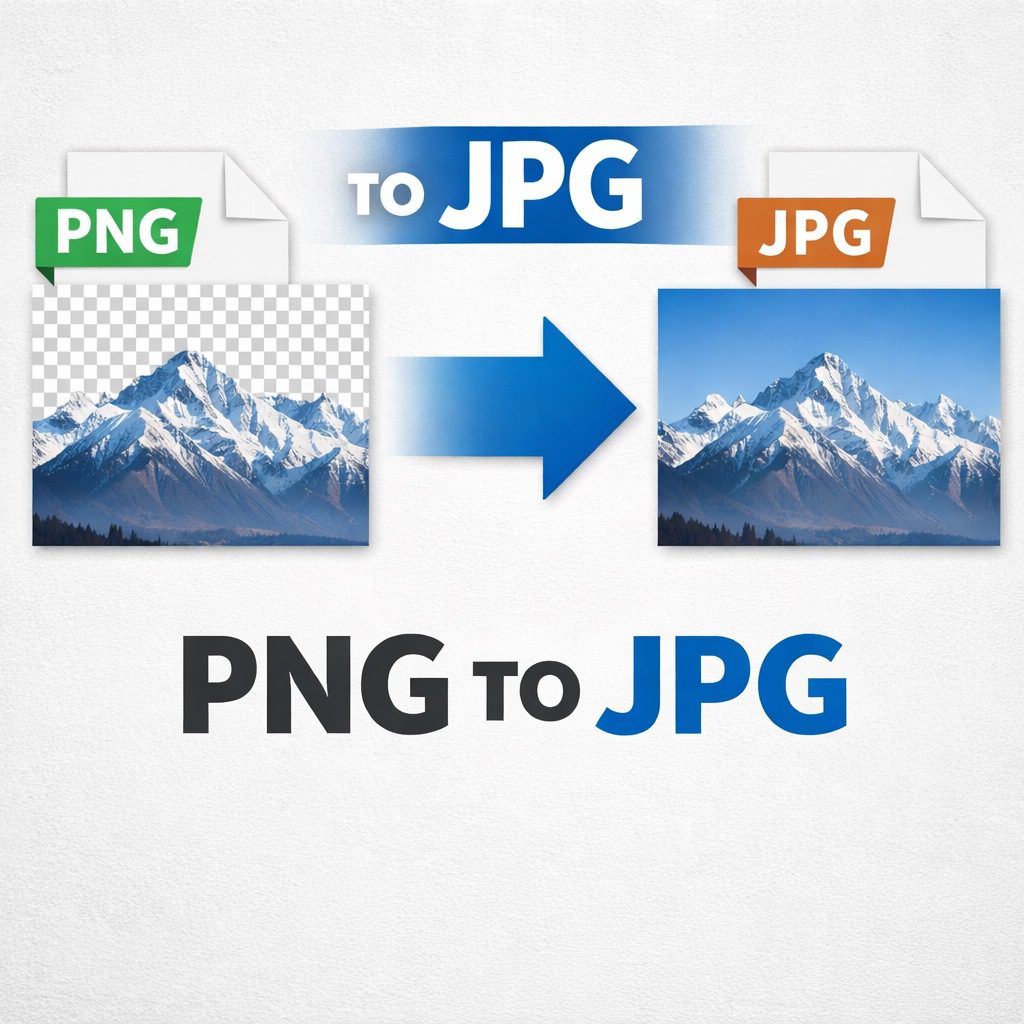
Transparency: If your image has a transparent background (like a logo), you must keep it as a PNG, as JPG does not support transparency and will fill those areas with solid white.
Text-Heavy Graphics: Screenshots with lots of small text stay crisper in PNG format.
Ongoing Editing: If you plan to edit the same file multiple times, PNG prevents “generation loss” where quality degrades with every save.
When to Convert to JPG:
Photography: Real-world photos look great in JPG and take up far less space.
Web Publishing: For blog posts and news articles, JPG is the gold standard for speed.
Social Media: Most platforms automatically compress your uploads anyway, so starting with a smaller JPG is more efficient.
Step-by-Step Guide: How to Convert PNG TO JPG Online Free
Using a web-based tool to convert PNG TO JPG is the fastest method available today. You don’t need to install heavy software like Photoshop or GIMP. Most modern online converters follow a very simple, user-friendly workflow that anyone can master in seconds.
Follow these steps for a seamless conversion experience:
Upload Your Image: Drag and drop your PNG file into the designated upload area of the converter tool.
Adjust Settings (Optional): Some advanced tools allow you to select the “Quality Level” (e.g., 80% or 90%) to further control the file size.
Click Convert: Hit the conversion button to start the process. This usually takes less than five seconds.
Download Your File: Once finished, click the download link to save your new JPG to your device.
The beauty of using a PNG TO JPG online free service is the accessibility. Whether you are on a Windows PC, a Mac, or even a smartphone, the process remains identical. It is truly a cross-platform solution for modern digital needs.
SEO Benefits of Optimizing Your Images with JPG Conversion
If you are a webmaster, you know that SEO is about more than just keywords; it’s about the technical health of your site. Converting PNG TO JPG is a core component of “Image SEO.” Search engines like Google prioritize websites that provide a fast, snappy experience to users. If your homepage is bogged down by 5MB PNG images, your bounce rate will soar, and your rankings will dip.
Rank Math and Image Optimization
When using tools like Rank Math SEO, you’ll often see suggestions to optimize your images. Beyond just adding “Alt Text,” Rank Math rewards sites that serve images in modern, efficient formats. While WebP is the newest standard, JPG remains the most reliable fallback that balances quality and speed across all browsers.
Pro Tip for SEO: After you convert PNG TO JPG, make sure to rename your file before uploading. Instead of “IMG_1234.jpg,” use a descriptive name like “best-running-shoes-for-men.jpg.” This helps search engines understand what the image represents, further boosting your SEO efforts.
By integrating the PNG TO JPG conversion into your regular content creation workflow, you ensure that your site remains lean, mean, and ready to climb the search engine results pages (SERPs).
Conclusion: Mastering Your Image Workflow
In conclusion, the ability to convert PNG TO JPG online free is a vital skill in the modern digital landscape. We have seen how this simple transition can lead to faster website loading times, better storage management, and a significant boost in SEO performance. While PNG has its place for high-end design and transparency, JPG is the undeniable king of efficiency for photographs and general web use.
Remember to always evaluate your image needs before choosing a format. If you need a small, fast-loading file for your blog or social media, the JPG format is your best friend. Start optimizing your digital library today by trying out a reliable converter and experience the difference in speed and convenience.
Frequently Asked Questions (FAQs)
Q1: Is it safe to convert PNG TO JPG using online tools?
Yes, most reputable online tools use secure connections (HTTPS) and automatically delete your files from their servers after an hour to protect your privacy.
Q2: Does converting PNG TO JPG reduce the quality of my image?
uses lossy compression, there is a technical reduction in data. however, at high quality settings (80-90%), the difference is usually invisible to the human eye.
Q3: Can I convert multiple PNG files at once?
Yes, many PNG TO JPG online free tools offer “Batch Conversion,” allowing you to upload up to 20 or even 50 images at a time and download them as a single ZIP file.
Q4: Why did my transparent background turn white after conversion?
The JPG format does not support transparency. When you convert a transparent PNG to JPG, the empty areas are automatically filled with a solid color, which is white by default.
Q5: Which is better for SEO: PNG or JPG?
For most web scenarios, JPG is better because of its smaller file size. Faster sites rank higher. However, for small icons and logos, PNG is often preferred for its clarity.