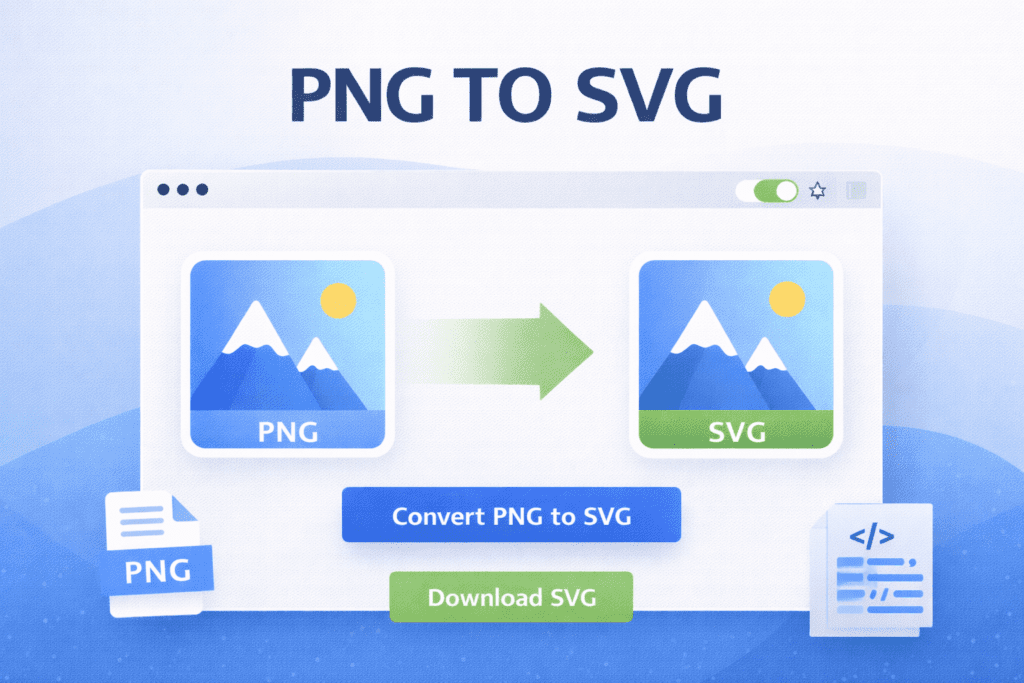
PNG to SVG Converter
Convert PNG Images to SVG Format
Upload a PNG image and convert it into SVG format instantly. Simple, fast, and works on all devices.
PNG TO SVG – Convert PNG Images into SVG Format Online
PNG TO SVG helps users convert PNG images into SVG format easily. Instead of using complex software, PNG TO SVG allows image conversion online with simple steps. As a result, graphics become scalable and easy to use on different screen sizes.
Images play an important role in modern websites and designs. However, PNG images do not scale well when resized. Because of this limitation, many designers prefer SVG format. PNG TO SVG helps solve this problem by converting images into scalable graphics.
With PNG TO SVG, users can upload a PNG image and get an SVG file instantly. This process saves time and avoids manual image editing. Therefore, even beginners can convert images without technical knowledge.
In addition, SVG images maintain quality at any resolution. As a result, they look sharp on mobile phones, tablets, and large screens. PNG TO SVG helps improve website performance and visual quality.
Another advantage is flexibility. SVG files are lightweight and easy to edit. Because of this, developers and designers can customize graphics quickly. Moreover, SVG images load faster compared to large PNG files.
Furthermore, PNG TO SVG works smoothly on all modern devices. Users can convert images directly in the browser without installing software. Consequently, the conversion process becomes fast and convenient.
Overall, converting PNG images into SVG format is useful for web design, icons, and logos. For this reason, PNG TO SVG is a helpful solution for designers, developers, and content creators who want clean and scalable graphics.
How PNG TO SVG Works
First, upload a PNG image. Then, the image is converted into SVG format automatically.
Why Convert PNG to SVG
SVG images scale perfectly and improve visual quality on all screen sizes.
Simple Way to Create Scalable Graphics
With PNG TO SVG, image conversion takes only a few clicks.
Q&A
What is PNG TO SVG?
PNG TO SVG converts PNG images into scalable SVG format.
Can I use PNG TO SVG on mobile devices?
Yes, it works on mobile phones, tablets, and desktop computers.
Is PNG TO SVG free to use?
Yes, PNG TO SVG works online and can be used for free.