
TEXT TO DOCS CONVERTER ONLINE FREE
Text to Docs Converter
If you want to convert plain text into a professional Word document, a TEXT TO DOCS converter online free is the perfect solution. Whether you are a student, blogger, office worker, or developer, turning simple text into a well-structured DOC or DOCX file can save time and improve presentation.
A TEXT TO DOCS tool helps you transform raw text into formatted documents that are easy to read, edit, and share. Instead of manually copying and formatting content, you can do everything in seconds using an online tool.
In this guide, you will learn how TEXT TO DOCS converters work, their benefits, features, best practices, and how to use them efficiently.
Advanced Use Cases and Productivity Benefits of TEXT TO DOCS
When you start using a TEXT TO DOCS converter beyond basic tasks, you unlock many advanced possibilities that can improve your daily workflow. This tool is not just for simple conversions—it can become a key part of your productivity system.
1. Content Creation and Blogging
For bloggers and content creators, TEXT TO DOCS is very useful. You can:
Write content in plain text editors
Convert it into a DOC file for formatting
Share it with clients or teams
This makes the writing process faster and distraction-free.
2. Academic and Educational Use
Students and teachers can benefit a lot from TEXT TO DOCS tools:
Convert notes into assignments
Prepare structured documents for submission
Create study materials quickly
It helps maintain a clean and professional format without spending extra time.
3. Business Documentation
Professionals often deal with raw text data. With TEXT TO DOCS:
Convert meeting notes into reports
Create official documents from drafts
Share formatted files with clients
This improves communication and presentation.
4. Collaboration and Teamwork
Plain text is easy to share, but DOC files are better for collaboration. After conversion:
Teams can edit documents together
Add comments and suggestions
Maintain version control
This makes teamwork more efficient.
5. Backup and File Organization
Using TEXT TO DOCS also helps in organizing your files:
Store content in simple text format
Convert when needed
Keep documents lightweight and manageable
This approach is useful for long-term storage and quick access.
What is a TEXT TO DOCS Converter and How Does It Work?
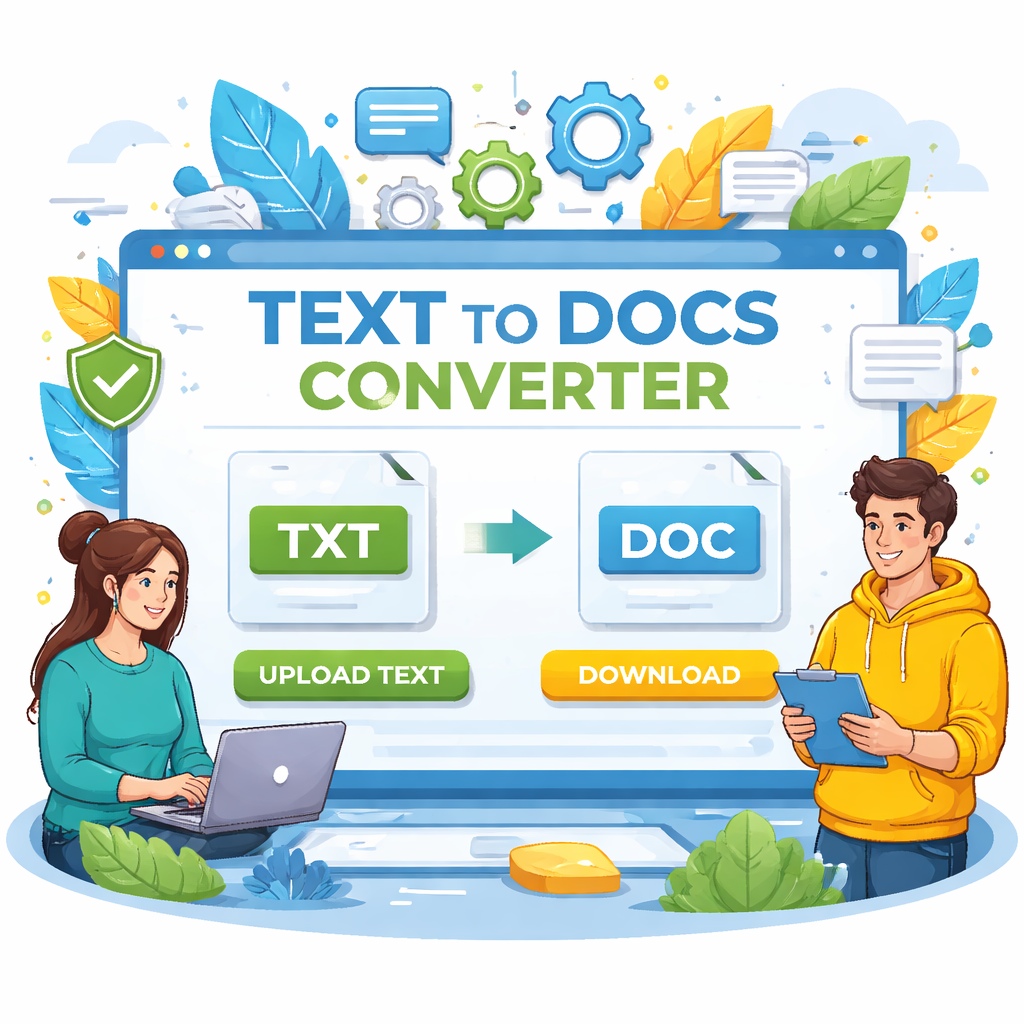
A TEXT TO DOCS converter is an online tool that converts plain text (.txt) files into Word document formats such as DOC or DOCX. It automatically applies basic structure and formatting so your content looks clean and professional.
How It Works:
Upload or paste your text
The tool processes the content
It converts text into DOC/DOCX format
You download the ready-to-use document
What Happens During Conversion:
Text is organized into paragraphs
Line breaks are preserved
Basic formatting may be applied
File becomes editable in Word processors
Why It’s Useful:
Saves time on manual formatting
Creates professional documents instantly
Makes sharing and editing easier
Common Use Cases:
Turning notes into reports
Creating assignments from plain text
Preparing drafts for clients
Converting copied content into structured files
TEXT TO DOCS tools are designed to be simple, fast, and user-friendly for everyone.
Optimization, Security, and Final Expert Tips for TEXT TO DOCS
To make the most out of your TEXT TO DOCS workflow, it’s important to focus on optimization, safety, and smart usage techniques.
1. Improve Document Formatting After Conversion
While TEXT TO DOCS tools provide basic formatting, you should enhance it manually:
Add headings and subheadings
Use bold and italic text where needed
Insert lists and spacing for clarity
This improves readability and professionalism.
2. SEO Optimization Tips
If you are creating content for websites or blogs:
Add keywords naturally in headings
Maintain proper structure (H1 to H3)
Keep paragraphs short and readable
Well-structured DOC files are easier to convert into web content later.
3. File Security and Privacy Tips
Always prioritize safety when using online tools:
Use trusted websites only
Avoid uploading sensitive data
Check privacy policies
A secure tool ensures your information stays protected.
4. Common Mistakes to Avoid
Many users make small mistakes that affect output quality:
Using unorganized text
Ignoring spacing and paragraphs
Not reviewing the final document
Always double-check your file after conversion.
5. Choosing the Best Workflow
For best results, follow this simple workflow:
Write clean text
Convert using TEXT TO DOCS
Edit and format the document
Save and share
This step-by-step process ensures high-quality output every time.
Key Features of the Best TEXT TO DOCS Online Free Tools
Choosing the right TEXT TO DOCS converter can make a big difference in your workflow. Here are the must-have features:
1. Instant Conversion
The tool should convert text into DOCS within seconds without delays.
2. Clean Formatting
It should automatically organize text into readable paragraphs.
3. No Software Installation
Everything should work directly in your browser.
4. Secure Processing
Your text should be safe and not stored permanently.
5. Multi-Device Support
The tool should work on mobile, tablet, and desktop devices.
6. Copy-Paste Option
Users should be able to paste text directly without uploading files.
7. Download in DOC/DOCX
Flexible output formats improve usability.
Bonus Features:
Dark/light mode
Drag-and-drop functionality
No watermark
Unlimited usage
These features ensure a smooth and efficient experience.
Benefits of Using a TEXT TO DOCS Converter Online
Using a TEXT TO DOCS converter offers several advantages, especially for productivity and content creation.
1. Saves Time and Effort
Manual formatting can take hours. This tool does it instantly.
2. Improves Document Presentation
Plain text becomes structured and professional.
3. Beginner-Friendly
No technical skills are required to use the tool.
4. Works Anywhere
Since it’s online, you can use it anytime from any device.
5. Useful for Different Users
Students:
Convert notes into assignments
Create clean project files
Writers:
Format drafts quickly
Prepare documents for publishing
Professionals:
Create reports from raw data
Share formatted documents easily
Developers:
Convert logs or data into readable format
6. SEO and Content Creation Benefits
Formatted documents are easier to:
Edit and proofread
Structure content
Prepare for publishing
TEXT TO DOCS tools help you maintain consistency and quality in your content.
How to Use a TEXT TO DOCS Converter (Step-by-Step Guide)
Using a TEXT TO DOCS converter online free is very simple. Follow these steps:
Step 1: Open the Tool
Go to a reliable TEXT TO DOCS converter website.
Step 2: Add Your Text
Paste your text directly
Or upload a .txt file
Step 3: Click Convert
Start the conversion process with one click.
Step 4: Download the File
Save the DOC or DOCX file to your device.
Step 5: Edit if Needed
Open the file in Word or any editor and make final changes.
Tips for Better Results:
Use proper spacing in your text
Avoid unnecessary symbols
Check formatting after conversion
This process is quick and works for all types of users.
Best Practices, SEO Tips, and Limitations of TEXT TO DOCS
To get the best results from your TEXT TO DOCS tool, follow these best practices:
1. Prepare Clean Text
Before converting:
Remove extra spaces
Fix spelling errors
Organize paragraphs
2. Optimize for Readability
After conversion:
Add headings
Use bullet points
Break long paragraphs
3. Use for SEO Content
If you’re creating content:
Add keywords naturally
Structure headings (H1, H2, H3)
Improve readability
4. Understand Limitations
TEXT TO DOCS tools may not:
Add advanced formatting
Create tables automatically
Insert images
5. Keep Data Secure
Always use trusted tools that:
Use HTTPS
Do not store your data
Delete files after processing
6. Choose the Right Tool
Look for:
Fast performance
Simple interface
Positive user feedback
Using these tips ensures better results and a smoother workflow.
FAQs About TEXT TO DOCS
Q1: What is TEXT TO DOCS?
TEXT TO DOCS is a process of converting plain text into a Word document format like DOC or DOCX.
Q2: Is TEXT TO DOCS converter online free safe?
Yes, most trusted tools are secure and delete your data after conversion
Q3: Can I edit the DOC file after conversion?
Yes, the file is fully editable in Word or similar software.
Q4: Do I need to install anything?
No, the tool works completely online.
Q5: Can I use it on mobile devices?
Yes, most converters are mobile-friendly.
Q6: Will formatting be perfect?
Basic formatting is applied, but you may need to make small adjustments.
Conclusion
A TEXT TO DOCS converter online free tool is a simple and powerful way to turn plain text into professional documents. It saves time, improves presentation, and helps users across different fields—from students to professionals.
By following best practices and choosing the right tool, you can easily create clean and structured documents in seconds. Whether you are preparing reports, assignments, or content drafts, TEXT TO DOCS makes the process faster and more efficient.
Start using a TEXT TO DOCS converter today and transform your text into polished documents with ease.
Final Thoughts
Dividing your work into simple steps—writing, converting, and refining—can make a big difference in productivity. A TEXT TO DOCS converter is not just a basic tool; it helps you create structured, professional documents with ease.
Whether you are working on personal projects, academic tasks, or business documents, using the right approach will save time and improve quality. Start using TEXT TO DOCS smartly and turn your plain text into polished documents in minutes.